Installing Generic USB Wifi Dongle to OSX
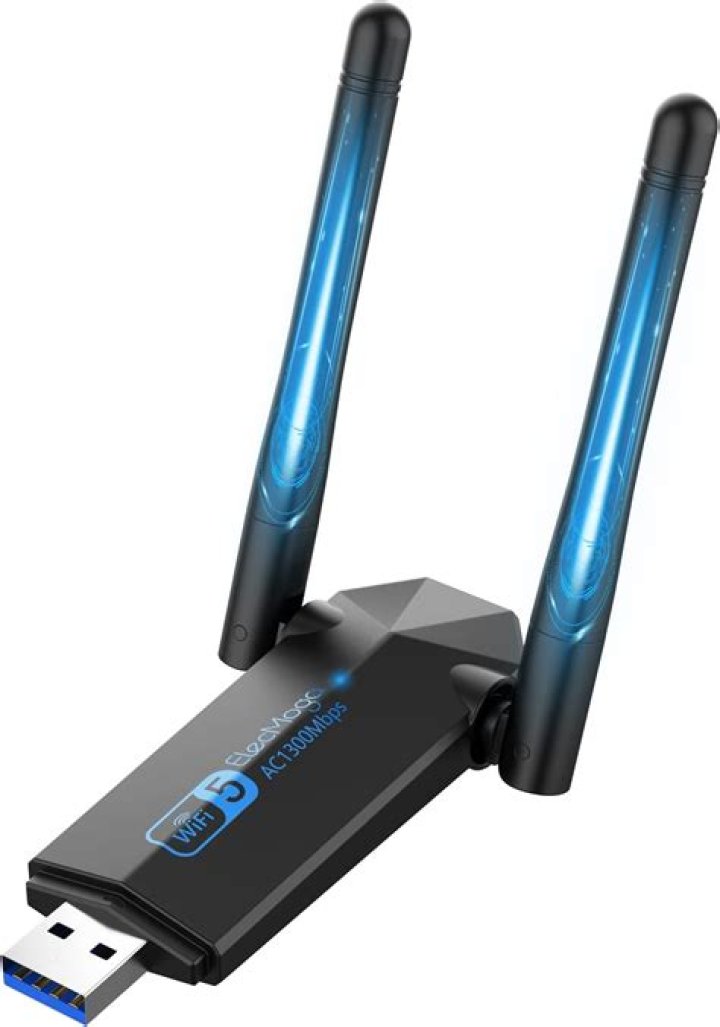
I purchased an old Mac Pro to use as a home server. It has no WiFi card.
I have a generic Wireless N USB dongle. I got it a long time ago and it's not branded. Windows installs the drivers automatically so I never put much thought into it.
System report in OSX tells me the below...
802.11n WLAN Adapter: Product ID: 0x8176 Vendor ID: 0x0bda (Realtek Semiconductor Corp.) Version: 2.00 Serial Number: 00e04c000001 Speed: Up to 480 Mb/sec Manufacturer: 802.11n WLAN Adapter Location ID: 0xfd500000 / 4 Current Available (mA): 500 Current Required (mA): 500What chances do I have of getting it running? It's not showing as a network in the Network settings.
Edit:
I found the driver disk and it has drivers up to 10.6. Also I found a post here which seems to say that it has worked on Lion. Copied below...
I use an Realtek based noname USB WIFI Stick:
802.11n WLAN Adapter:
BSD-Name: en1
Produkt-ID: 0x8176 (RTL8188CUS chip)
Hersteller-ID: 0x0bda (Realtek Semiconductor Corp.)
Version: 2,00
Seriennummer: 00e04c000001
Geschwindigkeit: Bis zu 480 MBit/s
Hersteller: Realtek
The realtek drivers (comes with an Wifi Util that runs on startup) works with Lion 64 Bit 10.7.2 C40.
Realtec supports OS X good (fast updates). 1 Answer
OK I got it to work. I Googled RTL8188CUS (from the post I found above) the name of the chip and came to a driver from 2011 which passed a virus scan, installed, rebooted and worked fine!
Edit: Anyone else reading this, you might find the Wifi doesn't work until the utility loads after you log in. I found that this helped.
9

