Installing Canon Color imageCLASS MF8380Cdw Drivers in Ubuntu 12.10
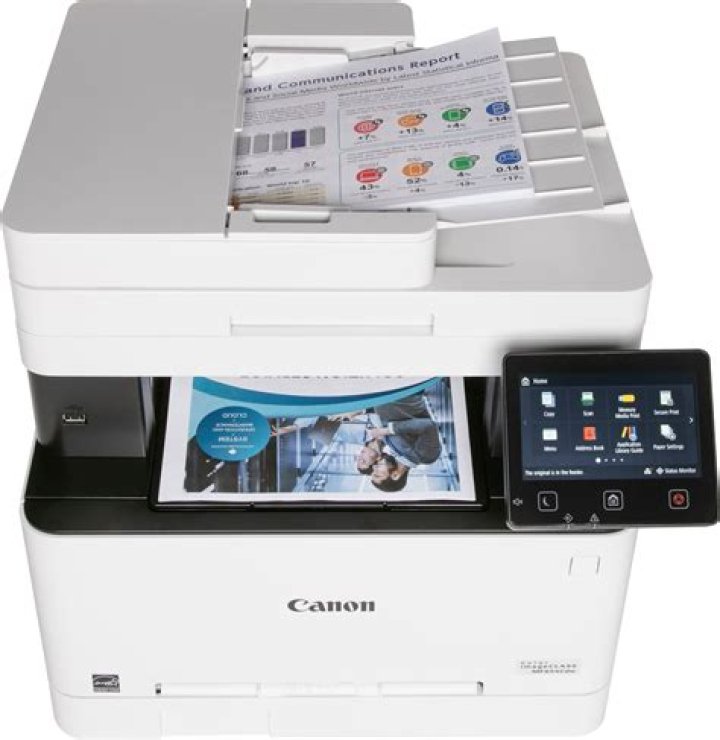
I am trying to install the drivers for a Canon Color imageCLASS MF8380Cdw in a 64-bit installation of Ubuntu 12.10. Since Ubuntu did not contain the drivers, I needed to download the drivers for this printer from Canon's website. Since it only contained 64-bit drivers for an RPM-based distribution of Linux, I needed to use Alien to convert the packages to the .deb format before installing them. However, I am not sure how to proceed from here. Any help would be appreciated. Thanks.
3 Answers
I just setup this exact printer on 2 Ubuntu 64-bit 12.04 desktops. Here's the documentation that I wrote, hope this also works on 12.10.
Go to the below link and download the Linux driver in
~/DownloadsUntar the tar.gz file downloaded at ~/Downloads/Linux_UFRII_PrinterDriver_V250_us_EN.tar.gz
Assuming that a 64 bit machine is being used,
cdto~/Downloads/Linux_UFRII_PrinterDriver_V250_us_EN/64-bit_Driver/RPM.Create a symbolic link for 64-bit drivers:
ln -s /usr/lib /usr/lib64(NOTE: There may be an existing
lib64directory there already and this will prevent the symbolic link from working correctly. Backup/move the directory to an alternate location before creating the symbolic link)Install alien (if needed):
sudo apt-get install alien dpkg-dev debhelper build-essentialConvert the RPM files to ".deb"
sudo alien -k -c cndrvcups-common-us-2.50-1.x86_64.rpm
sudo alien -k -c cndrvcupsuf2us-2.50-1.x86_64.rpm
Install drivers
sudo dpkg -i cndrvcups-common-us-2.50-1.x86_64.deb
sudo dpkg -i cndrvcupsuf2us-2.50-1.x86_64.deb
Go to System Settings -> Printing and remove the Canon printer (if it's there)
Click on Add and expand Network Printer. Select Canon MF8300C (IP_ADDRESS). Click on Forward and then Apply. Click Cancel on the test page screen.
Right-click the new Canon printer -> Properties.
Where is shows 'Make and Model' press 'Change'
Select 'Provide PPD file'
Navigate to
/etc/cups/ppd/Canon-MF8300C-UFRII-LT.ppdand press OpenSelect 'Use the new PPD as is' -> Apply
Restart the cups service
/etc/init.d/cups restartTest the printer.
I've used this post more times than I can count. But good news, this has become much, much simpler (at least with Ubuntu 16.04 and Canon's 3.31 driver package).
Instructions:
Download driver package from here on the Canon website
Extract the package:
cd ~/Downloads tar -xvzf linux-UFRII-drv-v331-usen.tar.gzcdto the new package directory and runinstall.shcd linux-UFRII-drv-v331-usen ./install.shInstall your printer using steps borrowed from Earl's answer:
- Go to System Settings > Printing and remove the Canon printer (if it's there)
- Click on Add and expand Network Printer.
- Select Canon MF8300C (IP_ADDRESS).
- Click on Forward and then Apply.
- Try to print a test page.
Thanks to @Earl's answer, I managed to install the driver on my 14.04.
- In his step 1, the link might be obsolete so that it redirects somewhere generic. However, on the redirected site, go to Drivers & Downloads and typing in specific product id (in my case
Color imageCLASS MF8380Cdw(that was nicely auto-suggested after typingMF8380Cdw)). There I saw Drivers tab where I foundLinux_UFRII_PrinterDriver_V320_us_EN.tar.gzfile. - The tarball above already includes
deb, so the rpm conversion in @Earl's post wasn't even needed for me. - After installing via
debI needed to reboot the OS.
This may work for other Canon's printer versions. HTH.


