Install Eclipse IDE for java ee dev via apt-get. Is it Possible?
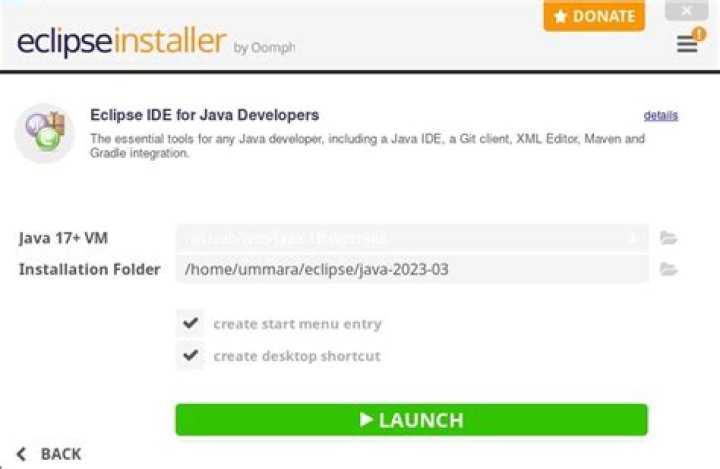
I try install Eclipse IDE for Java EE Developers.
I run in terminal this command:
sudo apt-get install eclipseThis ends successfully.
But when I see it, is installed the Eclipse Classic Version - not for Java EE Developers.
So, This is my question: it is possible install Eclipse IDE for Java EE Dev via apt-get command?
3 Answers
No, but you can update classic version for it to be same as Eclipse for J2EE version.
The best way (which I know) is:
1.In Eclipse go Help -> Install new Software...
2.Press Add...
3.In address enter and name - whatever you like.
4.Install JavaEE Developer Tools (under "Web, XML, JavaEE, and OSGi Enterprise Tools")
5(Optional, but very useful).Install Marketplace Client (General Purpose Tools -> Marketplace Client).
That's about it, after this you should have the same environment as client you would download from Eclipse.org.
7Eclipse comes with differents configurations but there is always the same "eclipse" as core application. They are the same Eclipse with differents collections of plugins that you can install, remove and update trough the package manager integrated in Eclipse itself. That's why you can't find the Eclipse you want with an apt package manager.
You also do not need to install eclipse or java ( the .bin version from the Oracle website ), they can be unpacked in a local folder, for example you can unpack this two in your home folder and then add the -vm option to the eclipse.ini or launch eclipse with the -vm option, example:
\local\path\to\eclipse -vm \local\path\to\the\java\machine\used_by_eclipseIf you want to setup Eclipse with Java then install Java Development Tools (JDT) package for Eclipse.
sudo apt-get install eclipse-jdt


