Input not supported!
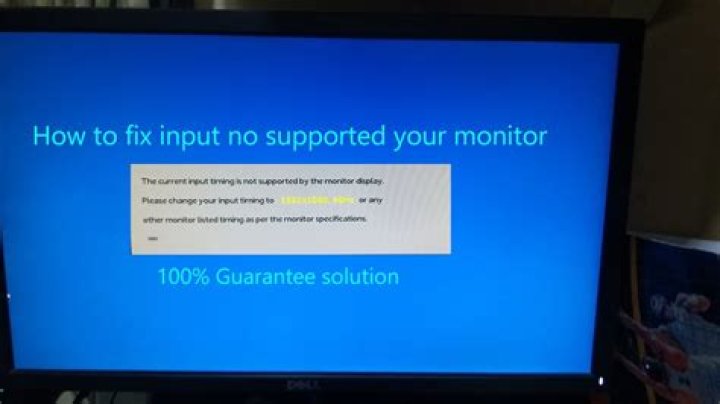
I'm new to the whole Ubuntu forum but I've seen this topic many times before - thing is, all of the answers I've come across have not worked (e.g nomodeset, console commands, GRUB stuff ect.) and most of the posts seem to be from more than a year ago. The problem I'm having is actually getting onto the media itself, I can get onto the Ubuntu loading dots, then after that there's usually a message that says "can't find usb interrupt point" which is normal for my Corsair keyboard and mouse, but then after that is where I have the problem; this is usually where it would start up but lately all it says is "Input not support" (obvious Chinese mistranslated on my AOC screen but it's all the same) This has only started happening since I got my GTX1060 graphics card; I used to own a 660 and it had worked fine, but since getting this graphics card I can't seem to even get to the "try ubuntu" or "install ubuntu" screen. I suspect it's something to do with default drivers since I am able to boot into the arch-linux based Antergos live USB? Strange... Any answers would be appreciated.
21 Answer
So I seem to have found the reason for this annoying bug, it seems whenever I had tried to start the installer, it would some reason go from 1920x1080 60Hz down to 1920x1080 30Hz and then the smallest resolution possible while at 30Hz, because my monitor isn't able to display 30Hz, it just told me that it wasn't supported, which is the reason I was just seeing this message.
The way I got around this and was able to discover the issue is because my graphics card has an HDMI port in the back, I used this in order to plug it into my TV, and it booted straight up after that, I was able to see the hertz difference as my TV notifies me whenever the image changes size or Hz, and when my screen would have gone black with my normal monitor, it notified me that it had gone from 60Hz to 30Hz... In order to solve this I had to go through the whole install process with the smallest screen size (which I wasn't able to change), then boot it up still with the same screen size, then install the proprietary drivers from NVIDIA for my graphics card and some microcode for my AMD CPU, after all of that and a restart, it's working perfectly, and is what I'm using right now to write this!
Hope this helps if anyone else gets stuck in future! :-)
-Adam


