Increase space between text lines in Photoshop
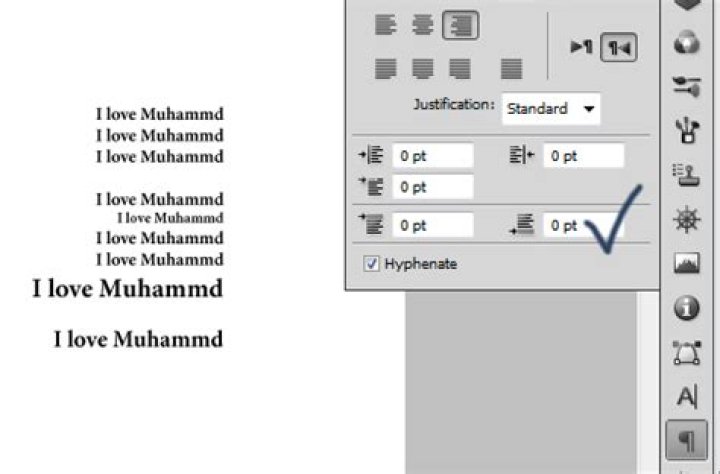
How do I increase the spacing between two lines (or leading) in a paragraph in Photoshop?
22 Answers
From this link:
There are two types of formatting: Character (which can apply to one or more characters) and Paragraph (which always applies to one or more paragraphs). You can find these settings in the Options bar (when the Text tool is selected in the Tool palette) or in the Character and Paragraph palettes.
6Leading (“ledding”) determines the amount of space between lines in a paragraph. (...) If you want the leading to be consistent throughout a paragraph, you should either select every character in the paragraph before you set the leading in the Character palette, or you should apply the leading while the text layer is selected in the Layers palette (but no text on the layer is selected).
Another way is to increase(or change) space after the paragraph(s):


