Illustrator - How to create one outline stroke for overlapping transparent objects?
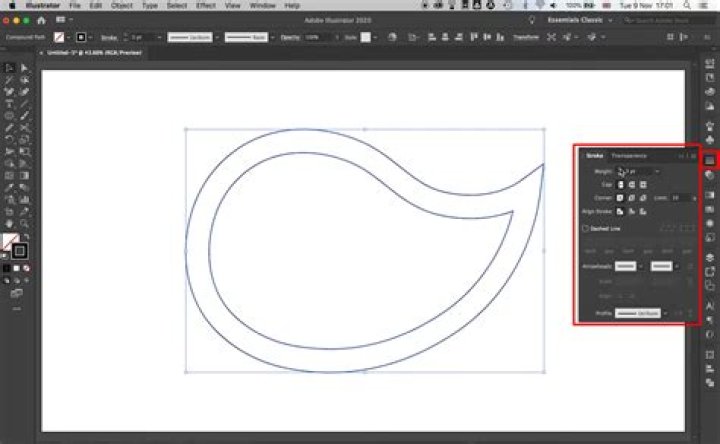
I have some overlapping transparent paths in illustrator like:
The goal would be to create an outline stroke for that group of paths. Whatever I do with path combinations, it will destroy either colors, or delete some of the paths etc.
I tried with Shaper Tool. This let me select the single paths. But when applying stroke, they all get completely stroked:
But I would like to have it just around the outline contour. How can I do that?
1 Answer
Select all paths and copy them
Hide all paths
Paste in front
Unite all the shapes (Pathfinder window)
Apply the desired path and a fill of "None"
Unhide hidden paths


