i3 and highdpi / HD dual screens: how to scale properly?
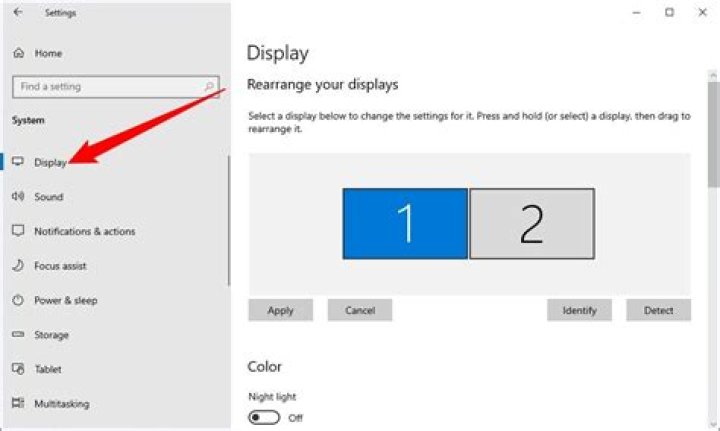
I have two monitors:
DP-1: 1920x1080 (hd, secondary)
eDP-1: 3840x2160 (4k, main)
My problem:
I want to set my 4k monitor to 200% scaling @ 3840x2160, and my HD monitor to 100% scaling @ 1920x1080
What I have attempted:
Running i3, it appears, visually the default setting is to keep everything at 4k @ 1x1 scaling. (When I check arandr it appears the HD monitor is set to 1080 but visually this does not appear to be the case).
In the gnome desktop environment, I must do a bit of trickery to get my two monitors to display properly. I run: xrandr --output eDP-1 --scale 0.999x0.999 --pos 3840x0 ; xrandr --output DP-1 --scale 1.999x1.999 --mode 1920x1080 --fb 7680x2160 --pos 0x0
In Gnome, that works like a charm, but when I run this in i3, it appears to set everything to 3840x2160 @ 100% scaling (very very small). I also get the error:
X Error of failed request: BadMatch (invalid parameter attributes) Major opcode of failed request: 140 (RANDR) Minor opcode of failed request: 7 (RRSetScreenSize) Serial number of failed request: 33 Current serial number in output stream: 34What I've done:
✔️ I can make the HD monitor work as follows:xrandr --output DP-1 --scale 1x1 --mode 1920x1080
Now when I adjust my main 4k monitor, it has the following curious behaviour:
✔️ xrandr --output eDP-1 --mode 3840x2160 adjusts it to the right resolution
❌ xrandr --output eDP-1 --scale 2x2 makes it REALLY small
✔️ xrandr --output eDP-1 --scale 0.5x0.5 makes things the right size, but blurry
❌ xrandr --output --dpi <attempted with value 96, 192> doesn't work and fails with:
X Error of failed request: BadMatch (invalid parameter attributes) Major opcode of failed request: 140 (RANDR) Minor opcode of failed request: 7 (RRSetScreenSize) Serial number of failed request: 33 Current serial number in output stream: 35So I am able to have both monitors at the correct resolutions, but I am unable to have crisp 200% scaling in my 4K monitor. For some reason where I had to do 2x2 scaling in Gnome to make things bigger, I must do 0.5x0.5 scaling in i3 to make things bigger, and this makes it blurry. Edit: oh yeah and although the UI elements are proportional, the mouse is REALLY big
1 Answer
Through the centuries I have since figured this out. The solution is not to apply 0.5x0.5 scaling, but to adjust the DPI. I didn't think the DPI adjustments were working because you need to refresh i3 to see them (Mod+shift+r)
I added the following to ~/.Xresources:
Xft.dpi: 192I then ran the following commands:
xrdb -merge .Xresources
exec i3
I then ran the following script, borrowed from [this article][1]:
#!/bin/bash
xrandr --dpi 192 --fb 7680x4320 \ --output eDP-1 --mode 3840x2160 \ --output DP-1 --scale 2x2 --pos 3840x0 --panning 3840x2160+3840+0
After that the scaling seems to work! [1]:
0

