I'm using LAME to convert .wav files to .mp3 how I can append the passed arguments in terminal to output .mp3 name?
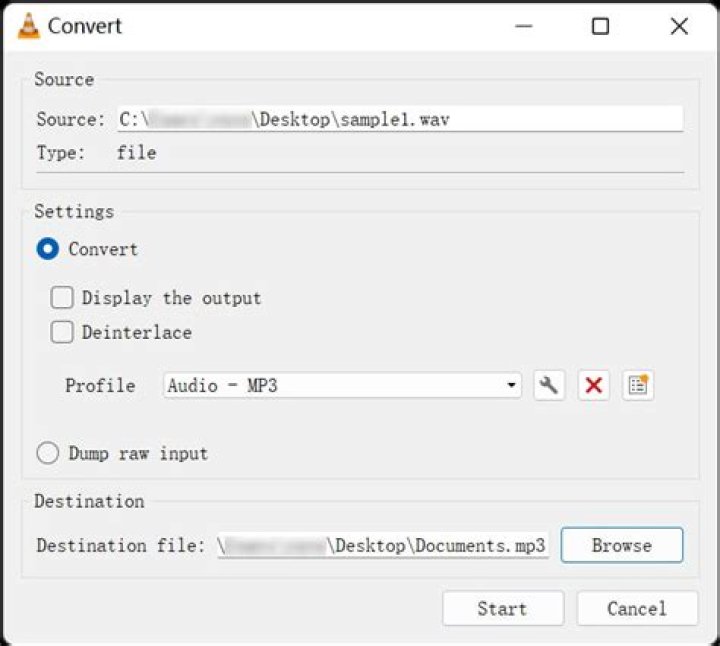
My LAME command presently is :
lame -b 128 -m j -h -V 1 -B 256 -F *.wav file.mp3What I want would be :
in file : file.mp3
out file : file_-b_128_-m_j_-h_-V_1_-B_256_-F.mp3
Also I will be changing the arguments please don't post an answer that only works with these set of arguments.
I use Ubuntu 16.04 and my LAME version is
LAME 64bits version 3.99.5 ()
I have an idea maybe we can tail history with : history | tail -n 1 and append it to the .mp3 file created.
1 Answer
Original version
I suggest that you use a shellscript.
Use for example the name
wav2mp3Store the command line and all other relevant information in the shellscript.
I suggest that you avoid characters with a special meaning (space
[and]) in the file name, replace with_#!/bin/bash options="-b 128 -m j -h -V 1 -B 256 -F" OptInName=${options//\ /_} # only testing here, so making it an echo command line echo lame "$options" *.wav "mymp3_$OptInName.mp3"Make it executable
chmod ugo+x wav2mp3Run it (it is 'only' echoing here, showing what the real thing would look like),
$ ./wav2mp3
lame -b 128 -m j -h -V 1 -B 256 -F hello.wav hello world.wav mymp3_-b_128_-m_j_-h_-V_1_-B_256_-F.mp3
Version with a parameter
If the b-value is the only option, you want to change, you can have that as the only parameter, when you call wav2mp3.
#!/bin/bash
if [ $# -ne 1 ]
then echo "Usage: $0 <b-value>" echo "Example: $0 128"
else options="-b $1 -m j -h -V 1 -B 256 -F" OptInName=${options//\ /_}
# only testing here, so making it an echo command line echo lame "$options" *.wav "mymp3_$OptInName.mp3"
fi
Examples:
$ ./wav2mp3 128
lame -b 128 -m j -h -V 1 -B 256 -F hello.wav hello world.wav mymp3_-b_128_-m_j_-h_-V_1_-B_256_-F.mp3
$ ./wav2mp3 256
lame -b 256 -m j -h -V 1 -B 256 -F hello.wav hello world.wav mymp3_-b_256_-m_j_-h_-V_1_-B_256_-F.mp3
Version with arbitrary number of parameters
#!/bin/bash
if [ $# -eq 0 ]
then echo "Usage: $0 <parameters>" echo "Example: $0 -b 192 -m j -h -V 1 -B 256 -F"
else options="$*" OptInName=${options//\ /_}
# only testing here, so making it an echo command line
# When using parameters without white space (and this is the case here),
# you should use $* and when calling the program (in this case 'lame')
# I think you should *not* use quotes (") in order to get them separated.
# So $options, not "$options" in the line below. echo lame $options *.wav "mymp3_$OptInName.mp3"
fi
Example:
$ ./wav2mp3star -b 192 -m j -h -V 1 -B 256 -F
lame -b 192 -m j -h -V 1 -B 256 -F hello.wav hello world.wav mymp3_-b_192_-m_j_-h_-V_1_-B_256_-F.mp3

