Hyper V diffdisk VM starts and stuck on black screen, blinking cursor
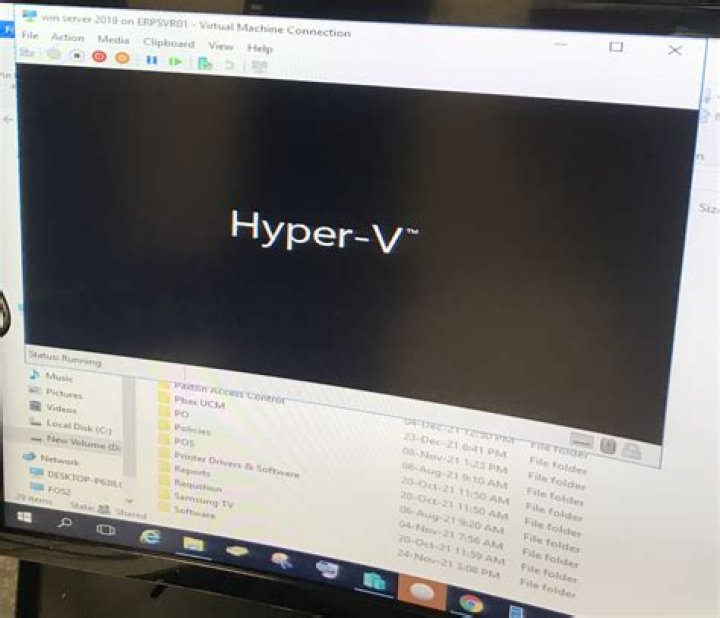
I am totally stumped by this and have done this many times successfully in the past.
I create a parent disk (Windows 10 build 1607, have to use this old build for testing purposes) and then a differencing disk against this parent using Hyper V using methods such as described here:
When I start the diff disk vm for the first time I get a black screen with blinking cursor.
In desperation I tried this
and it seems that no C drive is available when I go to the command prompt. This sound like it would be part of the problem (obviously).
Any ideas why this would happen? I have googled around and people have various problems with starting the vm and hitting a black screen but none of them work for me.
FYI trying to debug the issue in any way I could I found that pressing F8 (after adding the hyper v delay) during boot does not get me to any BIOS menu.
Thank you for any help m
1 Answer
For anyone who has a similar issue in the future I describe what worked, though I don't know why.
I was creating my parent disk on an UN-PATCHED (i.e. no updates applied) version of Win10 1607.
Recently I applied all patches (as of 28 September) to the parent disk (Windows 1607), sysprepp-ed it and created a new child diff disk: this worked.
I guess something in one of the patches must have fixed the issue? I don't really know.
m


