Hyper-V Could Not Connect to MobyLinuxVM of Docker & Docker Won't Run
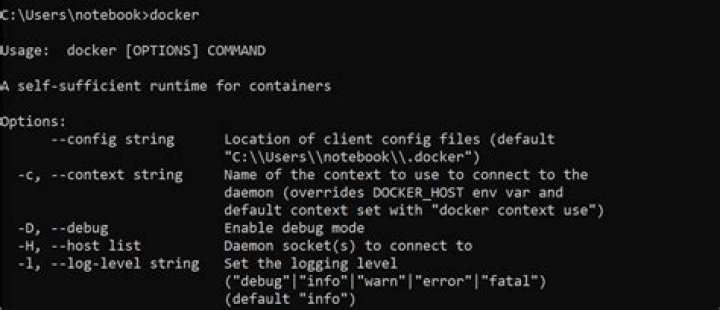
Docker for Windows was not running. So as first step need to make MobyLinuxVM execute in Hyper-V. Hyper-V although running all virtual machines successfully but could not connect to them itself with double errors.
It poses error #1 on first connect thereafter error #2. What to do now, have tried many solution as mentioned below ?
Error #1:
Error #2:
Failed Solutions
Have tried following but failed {Windows 10 (x64) 1703}
- Remove and re-install Hyper-V and 'Docker for Windows'
- Disabled all firewalls and antivirus on the machine
- Failed to connect 'docker for windows' with hyper-v (Stopped docker service too)
- Ensured that flag
hypervisorlaunchtypeis set intoAutoin boot flags - Replaced
MobyLinuxVM.vhdxandmobylinux.isofrom another working computer in safe mode considering bugs in docker update images (using stable version of docker for windows)
2 Answers
Perform the following:
docker run --privileged -it -v /var/run/docker.sock:/var/run/docker.sock jongallant/ubuntu-docker-client
docker run --net=host --ipc=host --uts=host --pid=host -it --security-opt=seccomp=unconfined --privileged --rm -v /:/host alpine /bin/sh
chroot /host
Now you are in, ls the file system.
If you find a better way let me know.
From:
I had a similar problem recently. Only way to fix it was to manually remove VMs in the directory of Hyper-V. The details are in my question How to restore failing Docker


