Huawei USB Modem E303 not working after installing JAVA
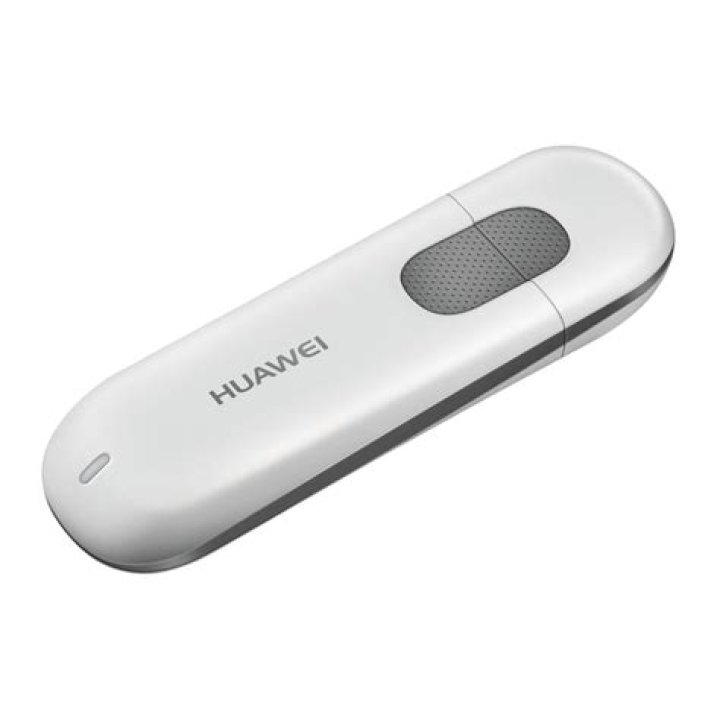
Huawei USB Modem E303 not working after installing JAVA... i installed Xtreme Download Manger and ubuntu installed java... after that modem isn't detected.Tried reinstalling
usb-modeswitch
, but it didn't work
Here’s what dmesg says
[ 2824.231057] usb 3-2: new high-speed USB device number 4 using xhci_hcd
[ 2824.247948] usb 3-2: New USB device found, idVendor=12d1, idProduct=14fe
[ 2824.247956] usb 3-2: New USB device strings: Mfr=2, Product=1, SerialNumber=0
[ 2824.247962] usb 3-2: Product: HUAWEI Mobile
[ 2824.247968] usb 3-2: Manufacturer: HUAWEI
[ 2824.300718] usb-storage 3-2:1.0: USB Mass Storage device detected
[ 2824.300827] scsi7 : usb-storage 3-2:1.0
[ 2824.300946] usb-storage 3-2:1.1: USB Mass Storage device detected
[ 2824.301022] scsi8 : usb-storage 3-2:1.1
[ 2824.301115] usbcore: registered new interface driver usb-storage
[ 2825.300336] scsi 7:0:0:0: CD-ROM HUAWEI Mass Storage 2.31 PQ: 0 ANSI: 2
[ 2825.300370] scsi 8:0:0:0: Direct-Access HUAWEI SD Storage 2.31 PQ: 0 ANSI: 2
[ 2825.302688] sr1: scsi-1 drive
[ 2825.302959] sr 7:0:0:0: Attached scsi CD-ROM sr1
[ 2825.304495] sr 7:0:0:0: Attached scsi generic sg3 type 5
[ 2825.310547] sd 8:0:0:0: Attached scsi generic sg4 type 0
[ 2825.311925] sd 8:0:0:0: [sdc] Attached SCSI removable disk
[ 2825.451576] ISO 9660 Extensions: Microsoft Joliet Level 1
[ 2825.459956] ISOFS: changing to secondary root
[ 3688.963776] systemd-hostnamed[6133]: Warning: nss-myhostname is not installed. Changing the local hostname might make it unresolveable. Please install nss-myhostname!1 Answer
All unlocked modems are working with Ubuntu. If you want to unlock:
Download Universal master code program,type in your modem
IMEI numberand calculate it. Now you have generate codes, which you need write down.Now download your modem firmware from huawei web site, then launch it. After a few minutes it'll ask for an unlock code, that you generated earlier in step 1. Now type it in and it will unlocked your modem, which then will work with/under Ubuntu.


