How to use F3 function key on dell inspiron 13 laptop?
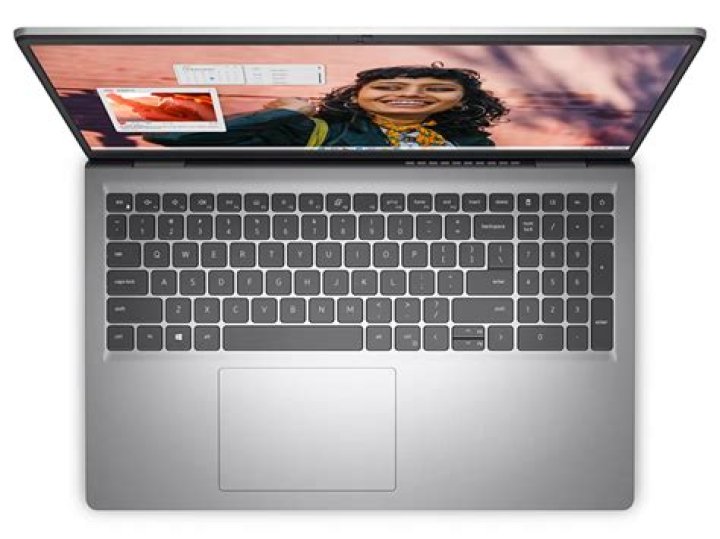
I have a new dell 13 laptop... Every time I try to press F3 on new dell laptop it turns up the volumn on speaker instead of sending F3 to the current application running.
(The is the dell laptop keyboard with an ESC key that has a second icon of a padlock with the letters “fn” written inside placed on the ESC key.)
1 Answer
Turns out that dell added a “function lock key”, similar to a “caps lock key”or “num lock key”... the difference is that in order to activate the “function lock key” on this dell laptop you need to also hold down on the “fn” key and then press Esc key together, note the esc key will contain the “fn padlock icon” indicating that this is the “function lock key”. Pressing the “fn” key and esc key together at the same time will toggle between the “Standard function keys” such as F3, and the new icon function keys printed next to function keys like volume up and down, screen brighter/darken, etc. to make matters more confusion this laptop doesn’t turn a function keys enabled light on... similar to cap locks key.. so you need to experiment by toggling “function lock” on and off to get the function keys back...
(Another solution might be to program from bios menu which version of keys is selected at boot time.. but I haven’t had time to check if that’s in the bios menu.)
3

