How to use default Windows driver for sound card? - Windows 10 auto-update
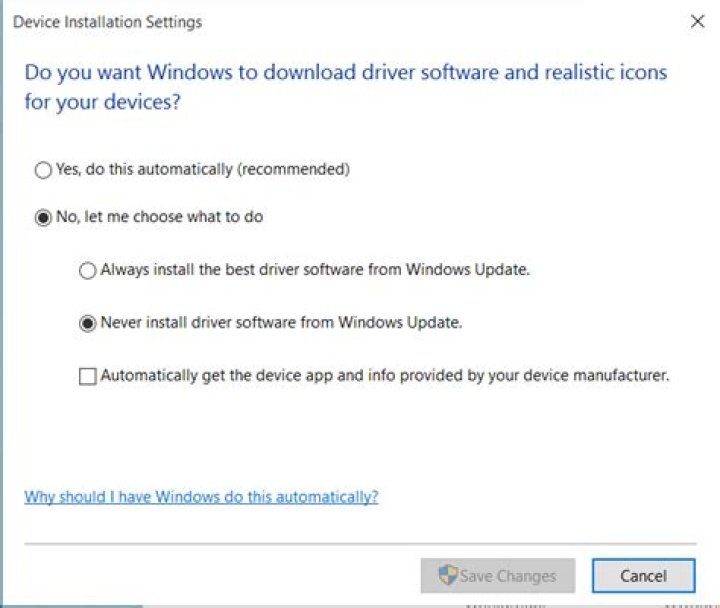
I recently upgraded from Windows 8.1 to 10. In 8.1 I used default system driver for sound card in my Toshiba Portege Z30 (it has different settings for headphones/speakers)
But Windows 10 always automatically instals Realtek High Definition Audio. I can delete it all day, it always comes back even though default driver works fine as in 8.1.
I tried the tool to hide this update, it did not help.
Is there any way how can I keep the default driver? Disabling Realtek in Device Manager did not help - I am left without sound.
Thanks, this is driving me crazy.
EDIT: Disabled installing driver software via Windows Update, but it still instals "Realtek Semiconductor Corp. - Audio Device, Other hardware - Realtek High Definition Audio" and requiers restart.
01 Answer
Try this:
Control Panel>System>Advanced system settings>Hardware tab>Device Installation Settings button
tick "never install driver software from Windows Updates"


