How to switch from root to user in Ubuntu running in Termux?
I recently installed Ubuntu via Termux on my android phone.
This version is specified when I enter the username and password.Welcome to Ubuntu 20.04.2
I once went from root to user mode by adduser
root@localhost:~# <USER>@localhost:~#
But now I do not know how to switch to this mode again.
How to switch from root@localhost:~# to <USER>@localhost:~#
1 Answer
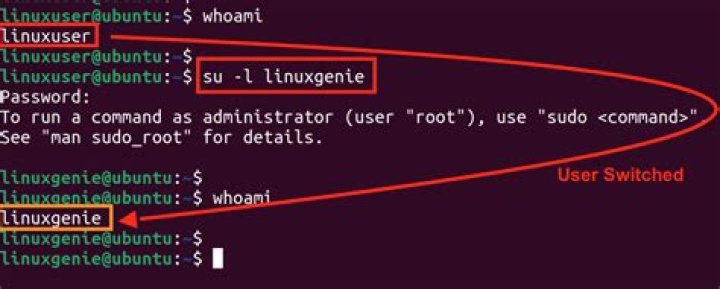
To switch to an user with username john, enter the command
su johnAnd the prompt would change from # to $ (root to ordinary user).
To get back to root, type exit.


