How to silence very loud stock Wraith Prism cooler?
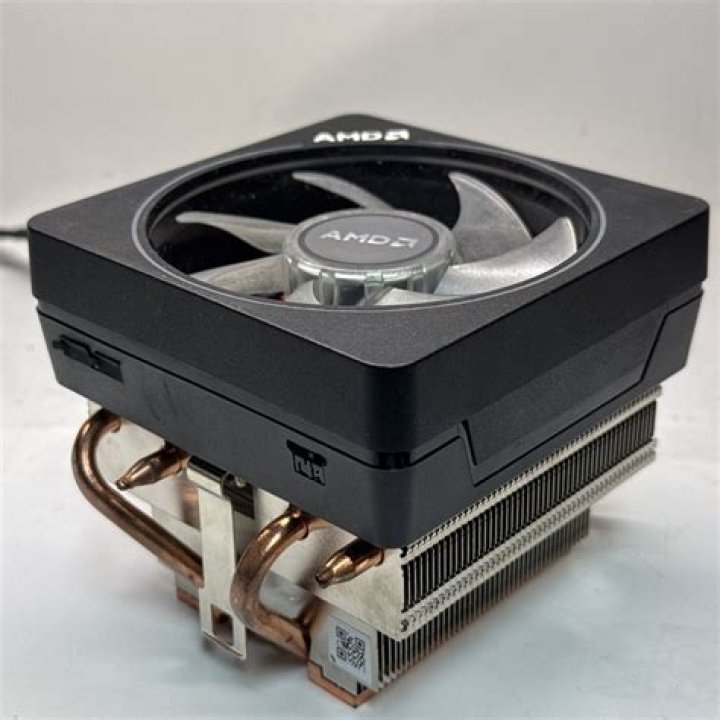
I have a PC setup with an AMD 2700X Ryzen CPU with its stock Wraith Prism CPU cooler on a MSI B450 Gaming Pro Carbon AC.
My issue is the cooler is very loud as it appears to run at full throttle even when there is no system load. In this moment of my writing, the system idles at 3% system load.
Also, there is no sound indicating any sort of defect on the bearings and I am sure it's the Wraith Prism as if I daringly (and not recommended) stop the fan with my hand, the rest of my system is almost entirely silent.
I am looking for ways to throttle noise level as it is very distracting while working on the PC as well as irritating to others in the same room.
I tried changing the advanced power settings and dropped the Minimum processor state from 100% to 20% and also decreased the max processcor state to 99%:
to no effect as hinted by this youtube video dealing with the same problems.
I wonder how else I could decrease the fan speed (while of course maintaining a sensible cooling performance) without making so much noise.
21 Answer
The BIOS setting of my MSI B450 Pro Carbon was misconfigured and it was set to always 100% for each temperature setting.
So it would always run at full speed no matter what.
I have now chosen a more sensible fan curve in the form of:
25°C => 25%
55°C => 50%
65°C => 75%
75°C => 90%

