How to set up Transcend StoreJet 25M3 1TB USB 3.0 external hard drive to backup an ext4 file system?
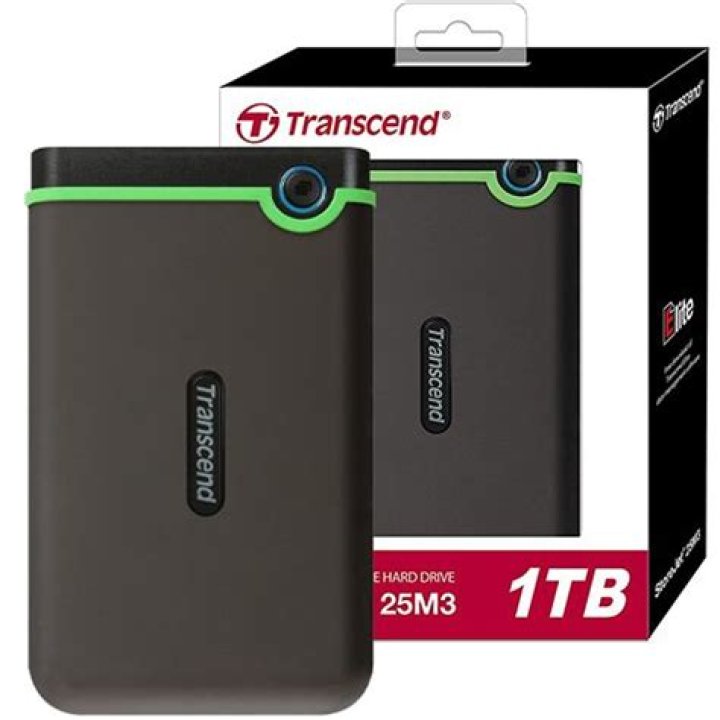
I just bought me a Transcend StoreJet 25M3 1TB USB 3.0 external hard drive to back up data from my laptop running Ubuntu 14.10. I tried unison file synchronizer, but I got errors
Failed to set permissions of file /media/hakon/Transcend/.unison..bash_profile.b54585281d82effb5afc6d1bfff73346.unison.tmp to rw-rw-r--: the permissions was set to rw------- instead. The filesystem probably does not support all permission bits. If this is a FAT filesystem, you should set the "fat" option to true. Otherwise, you should probably set the "perms" option to 0o1713 (or to 0 if you don't need to synchronize permissions)
The file system on the external drive is of type fuseblk and the file system on my laptop is ext4:
$ df -T /home/hakon
Filesystem Type 1K-blocks Used Available Use% Mounted on
/dev/sda1 ext4 953333636 76460660 828423340 9% /
$ df -T /media/hakon/Transcend/
Filesystem Type 1K-blocks Used Available Use% Mounted on
/dev/sdc1 fuseblk 976759996 135728 976624268 1% /media/hakon/Transcend
I guess the reason for the error message from unison is related to unsupported difference in permission bits for ext4 versus NTFS. But why does unison recommend setting perms = 0o1713? What does 0o1713 stand for?
After some googling, I wonder what would be the recommended way for me to proceed :
- convert the file system on the external drive to
ext4, using for examplemkfs -t ext4 /dev/sdc1, or - try to modify the settings in the
unisonprofile, using, for exampleperms = 0o1713?
2 Answers
Unless you're using the external drive on Windows computers, I would reformat it to ext4. You can either use the command you've cited or use the graphical frontend GNOME Disks, which is installed on Ubuntu by default.
For backups, I prefer rsync. The Arch wiki has a great article on how to do a full system backup with rsync.
1I decided to use unison since I have multiple machines that I need to synchronize with (rsync is a mirroring tool; unison is a synchronizer).. I also decided to reformat the external hard drive to use ext4 file system:
sudo umount /media/hakon/Transcend
sudo mkfs -t ext4 /dev/sdc1
/dev/sdc1 contains a ntfs file system labelled 'Transcend'
Proceed anyway? (y,n) y
Creating filesystem with 244190000 4k blocks and 61054976 inodes
Filesystem UUID: 0ddde628-b54a-4bb2-9823-b734fe0f78b9
Superblock backups stored on blocks: 32768, 98304, 163840, 229376, 294912, 819200, 884736, 1605632, 2654208, 4096000, 7962624, 11239424, 20480000, 23887872, 71663616, 78675968, 102400000, 214990848
Allocating group tables: done
Writing inode tables: done
Creating journal (32768 blocks): done
Writing superblocks and filesystem accounting information: done
Now I could run unsion with no problems:
sudo unison-gtk myprofile.prfUpdate:
It turns out that after the reformatting, the harddrive will be owned by the root user. You should take back ownership of the drive to avoid a lot of trouble with file permissions in unison. Example:
sudo chown hakon:hakon -R /media/hakon/0ddde628-b54a-4bb2-9823-b734fe0f78b9/Now, unison can also be run without sudo.


