How to see if my server was pinged?
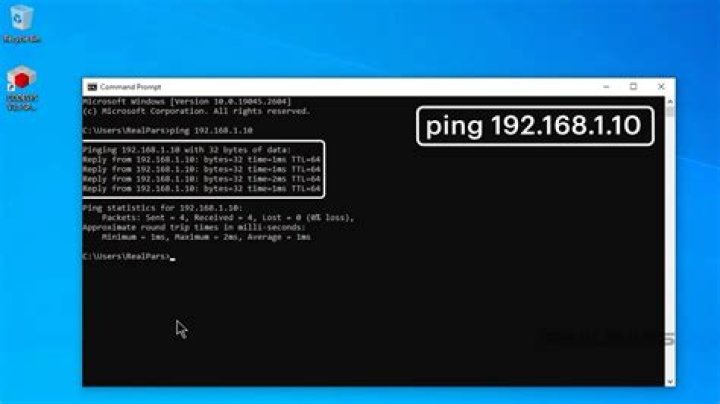
I have used "ping" for a very long time to mainly check if my internet is working and sometimes to see if a particular server is up or not.
The word "ping" seems to be derived from the same word use to detect obstacles using sonar. While targeting enemy subs, at least from movies I've watched, the targeted sub feels the ping by the dreaded sound the pulse makes when it strikes the outer surface.
Is there any way a server knows and records the fact that a particular server request was in fact made by a ping service? A simple Google search for "how to see if my server was pinged" did not yield any obvious solutions to this answer.
1 Answer
There are several ways of doing this One way would be using tcpdump to monitor all incoming ICMP echo requests if you are on linux based machine:
sudo tcpdump -i ethX icmp and icmp[icmptype]=icmp-echowhere ethX is the name of the adapter you're want to listen.
Tcpdump will resolve hostnames by default, so you might need to add the -n option to get IPs instead.
Another way again with tcpdump tool:
tcpdump ip proto \\icmpOr you could use IPTABLES as well
iptables -I INPUT -p icmp --icmp-type 8 -m state --state NEW,ESTABLISHED,RELATED -j LOG --log-level=1 --log-prefix "Ping Request "This command will log the ping requests in /var/log directory.