how to run Wamp server on a different port on localhost?
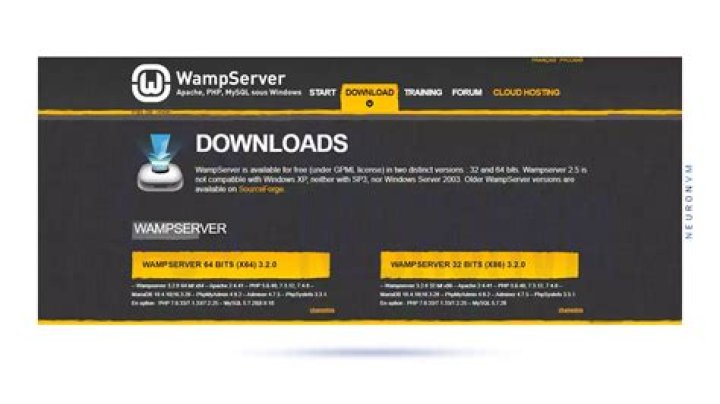
how to run WAMP server on a different port onlocalhost?
I am already running IIS on localhost:80 and I want to run WAMP server as well.
2 Answers
Open up WAMP settings file "http.conf" with a notepad. It's usually located in:
C:\wamp\Apache2\conf\Then press CTRL + F to bring up find prompt, type "80" and hit enter. You should now see the line for setting the port. Change it to whatever you like (for example 8888), save the file and restart the web server.
Now you can access your Apache server with "localhost:8888".
0In version 2.2 of WAMP I found the config file under C:\wamp\bin\apache\apache2.2.22\conf\httpd.conf.
Also, I had to change line 46 to:
Listen 80and line 171 to:
ServerName localhost:80