How to run Streets of Rage 5 remake on Ubuntu (Natively)?
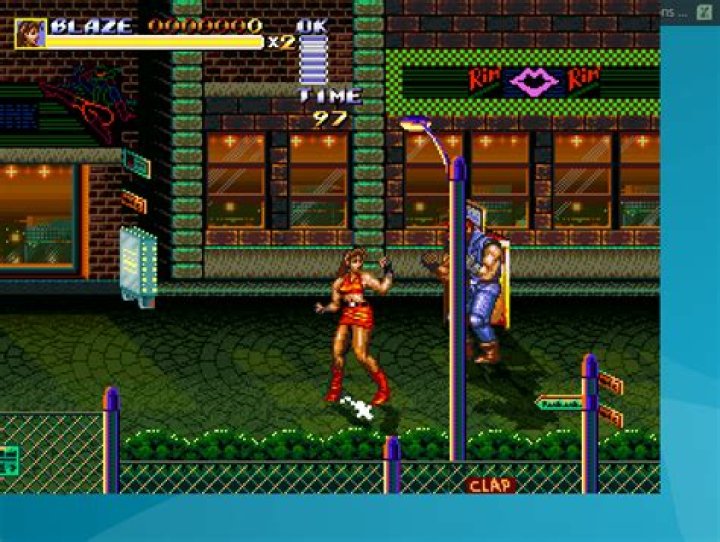
I downloaded Streets of Rage 5 from bomber games on my computer running Ubuntu but I am unable to make it work! I edited the file sorr to include my directories which made the application launch and even load the game manual, but won't start the game! Am I missing something here?
- The only window I got
I edited it so it includes the deb file that @luchonacho uploaded for me!
141 Answer
Native (linux) instructions for Ubuntu 16.04
Download the .deb file from here. Then, open a terminal, cd into the file, and run:
sudo dpkg -i sorr_5.1-1ug_amd64.debThis installs the game on the computer. It automatically installs a launcher. Thus, you can open it from the Menu.
File source: here.
Wine instructions for Ubuntu 16.04
The following instructions allow you to play Streets of Rage Remake v5.1 using Wine (I have version 1.9.24, but it might work in others too).
In case you do not have it already, install
wine. You can get the current version (1.6) by runningsudo apt-get install wine. For the latest build, follow these instructions:sudo dpkg --add-architecture i386 sudo add-apt-repository ppa:wine/wine-builds sudo apt-get update sudo apt-get install --install-recommends winehq-develDownload the Windows version of the game from here. (there are some extra soundtracks in the last post)
- Extract the
.rarfile in your local folder, wherever you want. This will create aSORRv5.1folder. - Run the
SorR.exefile with wine. Double-clicking it might be enough. If not, right-click on the file, and select "Open with Wine Windows Program Loader".
Meny entry: additionally to the above, you can create a Menu entry for the game, so that you can run easily from the Menu. To do so, open a terminal and run the following:
cd ~/.local/share/applications/ sudo nano SorR.desktopThe first command take you to the folder where .desktop files (and menu entries) are stored. The second creates a file. Then, copy the text below into that file (with right-click or Ctrl+Shift+v):
[Desktop Entry] Name=Streets of Rage Remake Exec= wine /path/to/SORRv5.1/SorR.exe Icon=/path/to/SORRv5.1/manual/img/sorr.png Terminal=false Type=Application Categories=Games;Replace /path/to/ with the corresponding path, and select the image you would like as icon, in case the one I chose is not of your like. once you have copied that, press Ctrl+O to save. To exit, press Ctrl+X.
Now, your menu entry is in the Games folder.
In-game instructions. The games comes configured for joystick. If you do not have one, then change the Controls commands, where you can select keyboard instead of joystick.
That's it. Sound works fine. Enjoy!


