How to rotate function around x axis
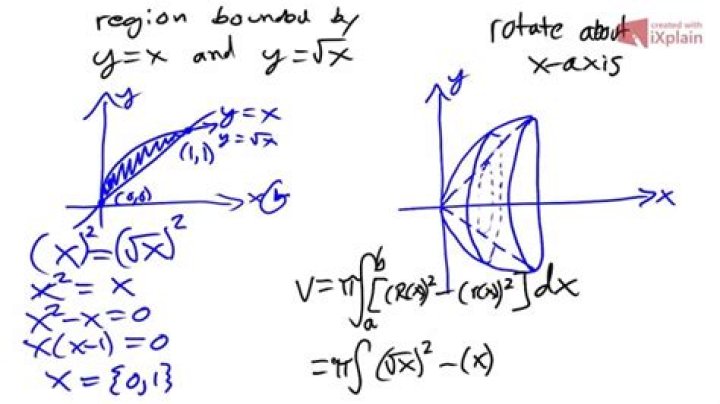
The problem is:
Revolve the function around the $x-$axis, then find the volume enclosed by the $3D$ shape from $x_1=0$ to $x_2=16$.
The following formula may be used to determine the volume of the solid:
$$\displaystyle V=\int_{x_1}^{x_2} \pi[f(x)]^2dx$$
The function is as follows:
$$f(x)= \dfrac{6.4}{x+12} \sin\left(\dfrac{2~\pi}{6.5}x\right)+3$$
My question is:
a) What would the resulting function be?
And more importantly,
b) How would I convert this into a $3D$ function, that is, incorporate $z$ so it can be graphed in $3D$?
Thanks
$\endgroup$2 Answers
$\begingroup$Your equation for the volume is correct. However, actually plotting the volume is somewhat more complicated. Specifically, in 3D space you need a matrix of terms for each of $x, y$, and $z$. This is most easily visualized in a vertical arrangement, with rotation about the $z$-axis. So imagine the line $r=f(z)$. Then take a vector $\theta\in[0,2\pi]$ with however many points you wish and for each value of $z$ find $X=r\cos\theta$, $Y=r\sin\theta$. These are matrices of the size of $r$ by the size of $\theta$. The $Z$ matrix is just a uniformly spaced matrix for all the $z$ and $\theta$ values. Many computer languages have such functions built in. I used Matlab's cylinder function to create the figure below.
EDIT: At the request of the OP, I am adding the Matlab code. Note that function cylinder is a Matlab built-in function described here.
x=16*linspace(0,1,4001)';
f=6.4./(x+12).*sin(2*pi*x/6.5)+3;
[X,Y,Z]=cylinder(f,50);
figure;surf(X,Y,16*Z)
axis equal
shading flat
xlabel('X');ylabel('Z');zlabel('Y','Rotation',0)Assuming the curve $y = f(x)$ is drawn in the $(x, y)$ plane and that this graph is rotated around the $x$ axis in 3D, it creates a surface which equation is $y^2+z^2 = f^2(x)$, or $z = \pm \sqrt{f^2(x) - y^2}$
Edit: After Cye Waldman awesome picture, I'll add my own picture, obtained with python with modules numpy and matplotlib, with source code
Here is the python code
import numpy as np
import matplotlib.pyplot as plt
import mpl_toolkits.mplot3d.axes3d as axes3d
fig = plt.figure()
ax = fig.add_subplot(1, 1, 1, projection='3d')
u = np.linspace(0, 16, 60)
v = np.linspace(0, 2*np.pi, 60)
U, V = np.meshgrid(u, v)
X = U
F = (6.4/(U+12.0))* np.sin(2*np.pi*U/6.5) + 3.0
Y = F*np.cos(V)
Z = F*np.sin(V)
ax.plot_surface(X, Y, Z, alpha=0.3, color='red', rstride=6, cstride=12)
plt.savefig('surface.png')
plt.show()

