How to reset TCP/IP on Windows 8.1?
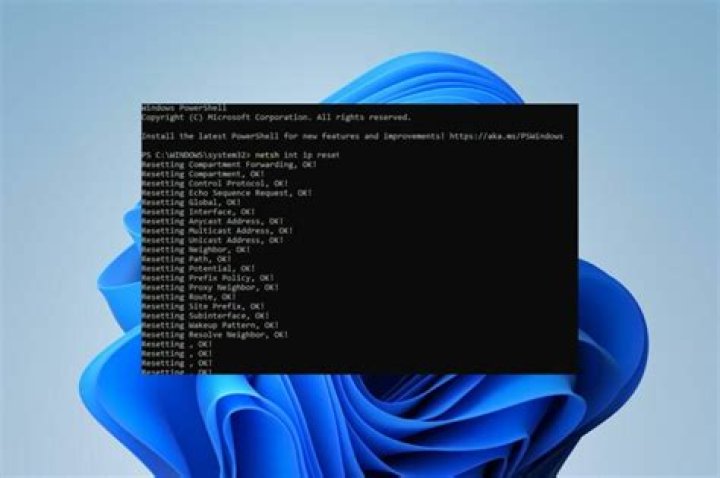
The following netsh command is not working on Windows 8.1.
netsh int ipv4 reset
It give “Access Denied” error and it is a VERY known issue, many people complaining about it all ove online forums.
There is no known equivalent PowerShell command. One tedious solution is to use Process Monitor and track the registry that it needs to have
access to and grant access. This is not practical since the registry key includes a random guid on each machine.
What is the practical remedy for this?
Update:
@grawity, I tried the command in the elevated mode - Of course
92 Answers
With Powershell you could almost make your own command. Something like this might help:
$netadapt = Get-CimInstance CIM_NetworkAdapter | ? {$_.AdapterType -eq "Ethernet 802.3"}
$netadapt.Disable()
$netadapt.Enable()
The only caveat with this is that it's going to reset all network adapters that are "Ethernet 802.3". If that's an issue you can substitute $_.AdapterType with $_.name and also replace "Ethernet 802.3" with an actual device name e.g. "Intel(R) 82579V Gigabit Network Connection."
You can solve this problem with PowerShell. Just run the command:
Remove-NetIPAddress

