how to remove google Chrome App Launcher from ubuntu 14.04 launcher
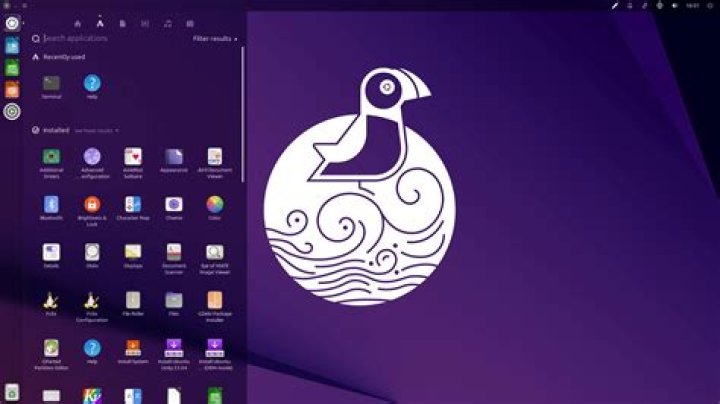
how to remove Chrome App Launcher from ubuntu 14.04 launcher , when i right click on it there is no option for it to remove or disable , just some information about the app
2 Answers
You can try to remove launcher entries by typing:
rm $HOME/.local/share/applications/chrome-*.desktop The accepted answer works but will also remove any other chrome app shortcut that may exist on your system. To remove only the App Launcher, use:
rm $HOME/.local/share/applications/chrome-app-list.desktop 

