How to reinstall the default desktop environment LXDE in LUBUNTU?
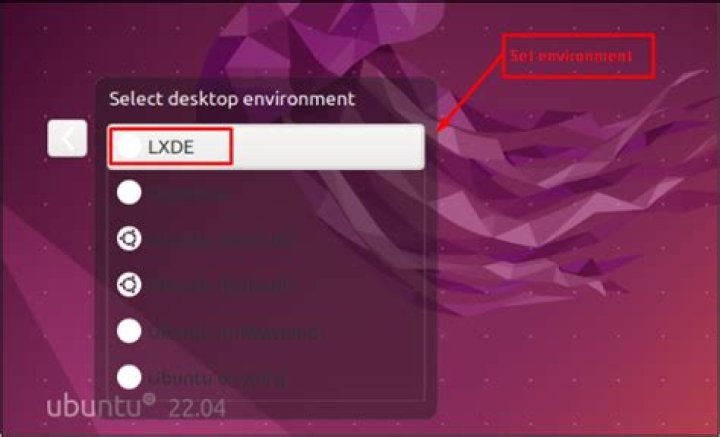
I was trying out xfce in my Lubuntu 16.04 PC. I installed it, used it for a while and liked it. So, I thought I can remove LXDE and use only Xfce. I used some commands I found in the web and I ended up losing some packages of LXDE, but I couldn't remove them all. I also searched software centre for LXDE and removed some packages containing the name lxde. (but not all).
After using xfce for some time I realised that it was slower than LXDE. So I logged into LXDE and uninstalled xubuntu-desktop via command line. Now some packages in LXDE are missing like the package for changing desktop settings and the app for checking for updates. I don't know how many packages I removed from LXDE. sudo apt-get install -f does not show any errors. What I want is to completely reinstall LXDE (using alt+F1 screen) and reset LXDE settings to default values. How do I do it? Is sudo apt-get install lubuntu-desktop enough for reinstall?
101 Answer
To get back all the parts LXDE/Lubuntu you had removed, you can perform a reinstall with this command
sudo apt install --reinstall lubuntu-desktopThis will reinstall all the parts of the default Lubuntu desktop.


