How to proceed with with fTPM error message during boot?
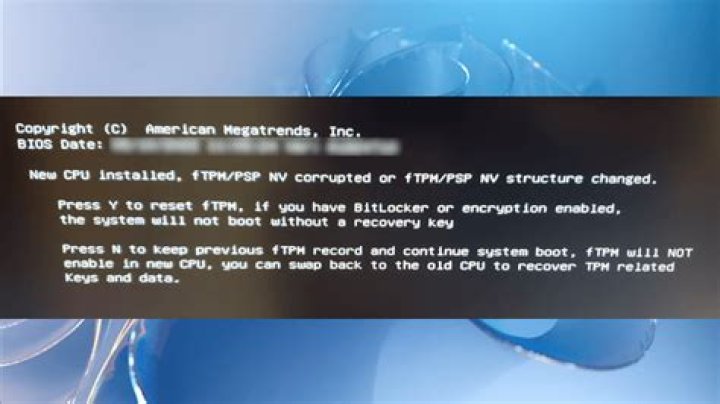
Yesterday starting my ACER laptop I've got on the screen a blue strip with this text "Press Y to reset fTPM, if you have Bitlocker or encryption-enabled system, the system will not boot without a recovery key. Press N to keep previous fTPM record and continue system boot. fTPM will NOT be enabled with new cpu unless fTPM is (previously initialised) you could swap back to the old CPU to recover TPM related keys and data ? YES / NO". I pressed No and Windows 10Home booted normally, except a message for invalid PIN. I had use Microsoft account instead, to create a new PIN. After power off sequence and power on I've got the above message again. I don't have Bitlocker or disk encryption set, but I'm afraid to choose YES to reset fTPM without knowing what the consequences for Windows will be. How to proceed? I have been using the computer for a month and this message appeared unexpectedly yesterday.
11 Answer
fTPM is the AMD processor's Trusted Platform Module. It is used to generate a unique hardware signature and store encryption keys, such that if you use BitLocker the system can automatically unlock the harddisk for you and boot without you entering a password.
When TPM behaves weird as you have, it can reset the encryption keys that are stored inside which will only affect anything that uses it. So if you use BitLocker, it is advised to first unlock bitlocker and decrypt the drive, then reset fTPM, then encrypt BitLocker again.
But given that you don't even use bitlocker or any other form of encryption, resetting fTPM will not form any issue and can be safely done.
But if you want to be absolutely safe, make backups first before doing this. If something unexpected goes wrong, you can then restore from backup.


