How to print in Grayscale from 'Preview' on MAC OSX?
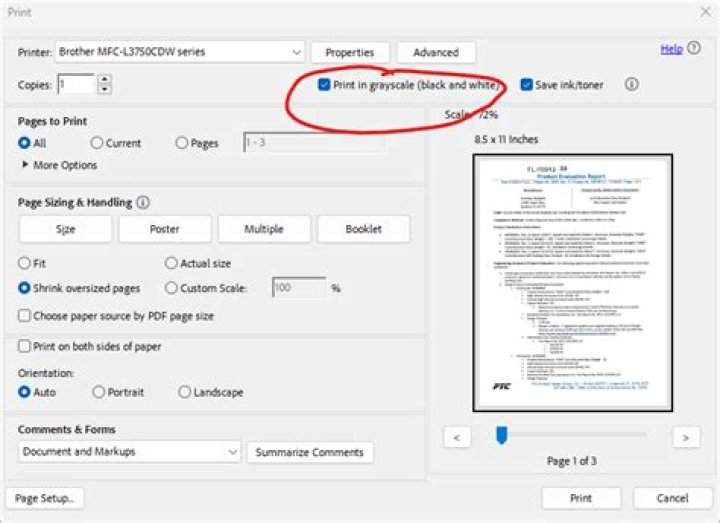
I can't for my life figure this out?! The accepted answer here isn't helping me.
3 Answers
Found it! It was hidden in the depths of Preview printing options. Select Paper Type/Quality and it's under 'Color Options':
EDIT - Cullub
In OSX 10.10.3, Preview
Under Quality & Media.
I have a strong feeling the cause of the variety of locations is due to the printer drivers themselves.
The drivers are provided by the manufacturers, even the ones included with the OS. I don't think they all follow the same human interface guidelines or don't make much of an attempt at uniformity.
For those of you who don't have the "Grayscale printing" option available on Canon printer: You can set this in "Canon IJ Printer Utility" app. You should be able to find it with Spotlight.


