How to open folder as a playlist in Audacious from context menu
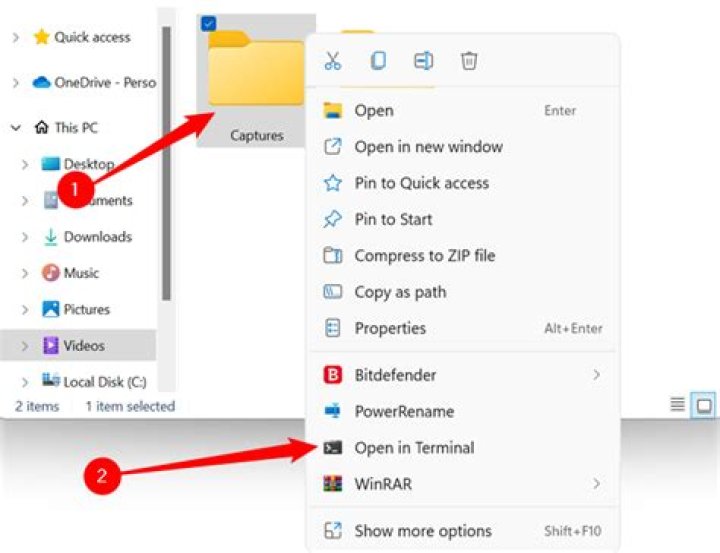
In older Ubuntu versions I could right-click on a folder and I would have the option to open it with Audacious. I can't in 13.04.
P.S.: I don't know what thunar is.
2 Answers
This is the way I did.
I ran the following command:
sudo apt-get install nautilus-actionsThen run the Nautilus-Actions Configuration Tool, and create a new item:
- Label => Open with audacious
- Path =>
/usr/bin/audacious - Parameters =>
%U - Working directory =>
%D -
Good luck.
If you set the 'view', 'interface' to winamp, and then 'view', 'always on top' audacious is small and always displays. Then its really easy to drag and drop folders into it. Just something I tried, and it worked...


