How to mount partition permanently?
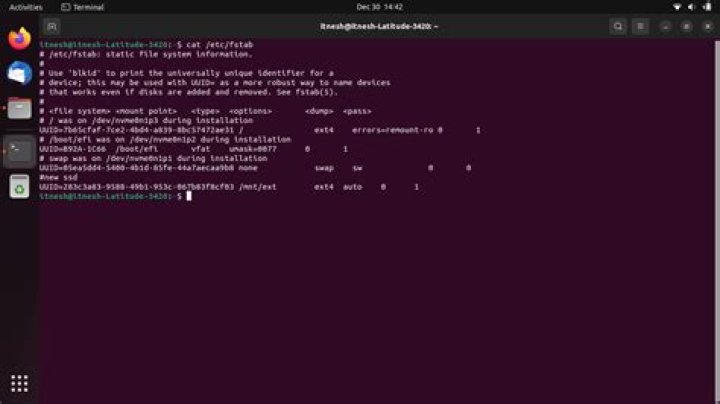
I am using Ubuntu Minimal + LXDE. I am wondering how can I auto-mount a partition (internal) on boot automatically. Currently I do something like
mount /dev/sda3 /media/worksBut I want it to be permanent. Also I have GParted, but the Partition > UnMount is greyed out (yes, unmount, even though I haven't mounted it)
12 Answers
Unmount is greyed out because the partition isn't there to be unmounted. You haven't mounted it yet.
To make the partition auto-mount, first find out the UUID of /dev/sda3 by doing:
sudo blkidI'll assume you're using ext4 on /dev/sda3. Open up gedit like so:
sudo -H gedit /etc/fstab(Or, in the command line, sudo vim or sudo nano instead of gksudo gedit.)
Now you want to add a line to the bottom of that file. It should look something like this (UUID will be different):
UUID=03ec5dd3-45c0-4f95-a363-61ff321a09ff /media/works ext4 defaults 0 2For more info on fstab, this is a good resource.
Use Disks utility. Select the disk, then click Additional partition options icon. Choose Edit Mount Options from drop-down menu.
3

