How to install python Python-3.6.15 in window 10
Could you please guide me on how to install Python-3.6.15 in window10 I have already installed python-3.9.7-amd64. I want to use the YAFS simulator that supports only Python 3.6. so I want to downgrade my python. no idea how to do that please guide me in steps. I have downloaded Python-3.6.15.tar.xz and Python-3.6.15.tgz
2 Answers
Python
The version of Python interpreter you're attempting to use is source code, meaning you would need to compile it (along with it's related support files) into an executable form with a compiler. See this page for a general overview of that process.
Alternatively, you could use the last pre-compiled version of Python 3.6.x, Python 3.6.8. Python 3.6.9+ are simply security fixes anyway (i.e. no new language features).
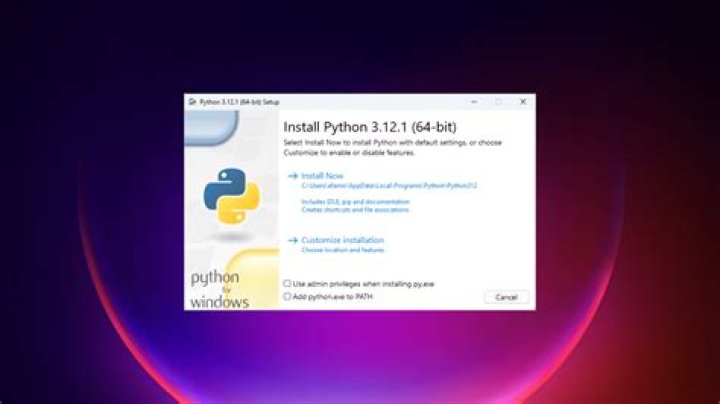
After you had a compiled executable (or downloaded a non-web/non-embeded installer), you would then likely want to add that python.exe to your Windows System Path variables. The pre-compiled 3.6.8 version of Python has an installer that allows for that option as part of the installation process. Or you could add the path to your python.exe manually, as generally described here.
If you already have Python 3.9.7 installed, you could uninstall it first. Or you could edit your environment variables (above) and alter any path referring to Python 3.9.7, replacing those references with the path to your Python 3.6.x python.exe executable.
YAFS
For YAFS, you'll need to install some additional third-party modules to help support YAFS. Note that while you could install the three currently required modules with just:
python -m pip install -r requirements.txtfrom inside the same directory as wherever YAFS stores requirements.txt, one of the requirements is Pandas, which itself relies on NumPy. Long story short, on Windows, NumPy can have problems if you are using the version linked above. I would suggest you download NumPy+MKL from this page. You'll likely want either:
- numpy‑1.19.5+mkl‑cp36‑cp36m‑win_amd64.whl
- numpy‑1.19.5+mkl‑cp36‑cp36m‑win32.whl
depending on whether or not you're using the 64-bit or 32-bit version of Python 3.6.x. Once downloaded, you can install NumPy+MKL with e.g.:
python -m pip install C:\your\path\to\numpy.whlOnce Numpy is installed, you could then run:
python -m pip install -r requirements.txt(as above) to install the remaining third-party packages.
2provides unofficial Windows installers for source-only Python releases such as 3.6.15.
1

