How to increase maximum BitLocker password length?
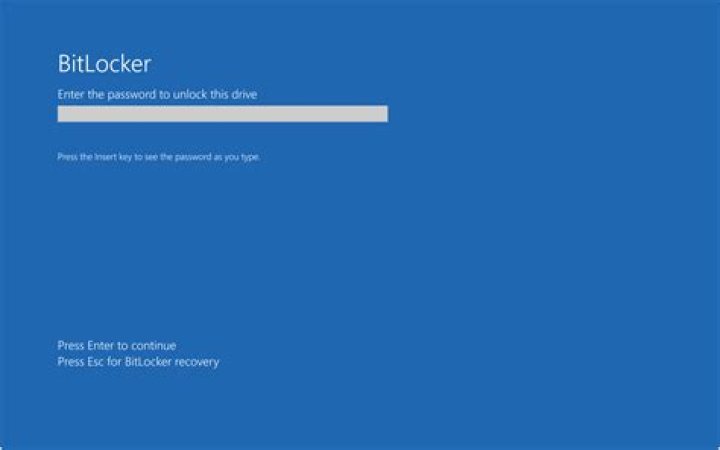
How do I increase the maximum number of characters allowed in the BitLocker password? The current maximum is 20. I know that it's possible, because I have a second machine where the length is 8-256 characters.
- The group policy option "Allow enhanced PINs for startup" does not seem to have an effect
- The Powershell command
Add-BitLockerKeyProtectoris limited by the same restrictions. - On my second machine, no other BitLocker group policies are enabled.
- I have Windows10 Pro, 21H2, 19044.1288.
Any suggestions?
31 Answer
I think you are confusing different concepts:
BitLocker PIN has maximum length of 20. Only its minimum length is modifiable in the Group Policy Editor.
BitLocker Password has maximum length of 256 characters long.
BitLocker Recovery Password has maximum length of 48 digits.
For password, you need to useAdd-BitLockerKeyProtectorwith the parameters of -PasswordProtector and -Password like this:
$encpass = ConvertTo-SecureString -AsPlainText -String "yourpassword" -Force
Add-BitlockerKeyProtector -MountPoint C:\ -Password $encpass -PasswordProtector
You may also do this the traditional way:
manage-bde -protectors -add c: -password "yourpassword"

