How to increase font size globally for programs running on wine in ubuntu 20.10?
I have few programs that do not have any Linux alternatives. So I am running them using wine and they are working very well also. Only I want to increase their font size. I searched and searched but I am not able to globally increase their font size of these programs.
In programs that are written for both Windows and Linux, the font size of Linux programs appear normal but those that for Windows programs when run through wine are so small fonts.
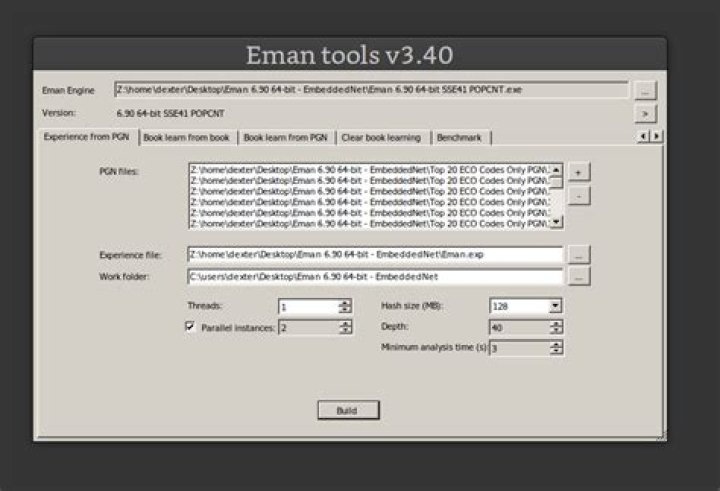
I am attaching an image for reference:
This is screenshot capture of a sample application. It might appear somewhat medium fonts to you in prowser but these appear very small when I am running the application using WINE. I only ask this question because I have some trouble reading and distinguishing the options.
If anyone can guide me how can I increase fonts size globally for apps running on WINE, it would help me so much. Thank you very much.
1 Answer
You can set the default font size for all wine apps in the wine registry.
Type "wine regedit" in a terminal. Then navigate to HKEY_CURRENT_CONFIG > Software > Fonts and change the LogPixels setting (or add it as a dword entry if it's not there). The default is equal to your screen resolution, I believe. Larger numbers will give you bigger fonts. Mine is personally set for 100 decimal. Your mileage may vary though.
If there's a way to set it for a single app I don't know. I'd be surprised if it couldn't be done though. Try checking the documentation over at winehq.
Source:
5

