How to get back freebox tv in VLC 2.1.0 and above?
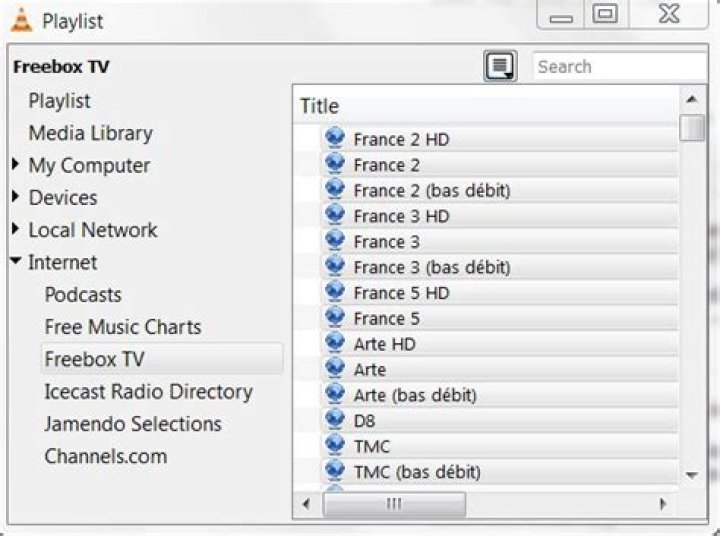
Since version 2.1.0 VLC is missing the option to view Freebox TV channels (for Freebox clients in France), which was visible in Playlist - Internet - Freebox TV.
Is it possible to get that back?
1 Answer
The option in the playlist as present in the previous versions was provided by an addon called 'freebox.luac' situated in the lua/sd folder.
So, download from the VLC archives a portable (archived) older version (2.0.8) which still contains that file - here - 2.0.8 is h e r e - and copy the freebox.luac file into the corresponding folder of your latest VLC installation.
Also, VLC can open playlists - including TV playlists. The one for Freebox TV is here.
One can of course create a playlist after getting the freebox addon by opening Playlist - Internet - Freebox TV, and, selecting all stations in the list, or just some of them, right-click, 'Add to playlist'.)
1

