How to fix "sharing violation" message when editing hosts file?
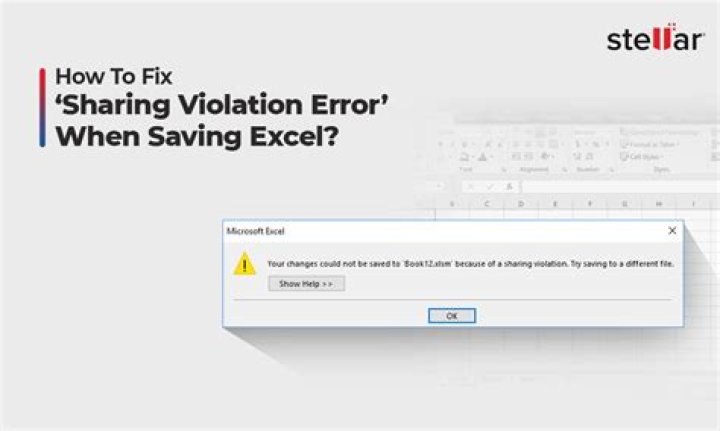
I'm running textpad as administrator. When I try to save the changes, I get a message "Encountered a sharing violation while accessing C:\Windows\System32\drivers\etc\hosts."
I checked using Process Explorer and the only handles it finds that reference hosts are "System".
How do I get around this?
I have attempted both replacing the hosts file by either editing it, pasting the new version in and saving it, and by copying the new "hosts" file as administrator. Latest attempt got a message "file is open in system". I'm running ZoneAlarm for security.
32 Answers
Maybe the ZoneAlarm lock the hosts file, then it prevents us access to hosts file. We can try to uninstall the ZoneAlarm.
Then we try to grant hosts file administrator privileges and access the hosts file.
When it is complete the above, reinstall the ZoneAlarm.
Daisy Zhou's answer led me to this: ZoneAlarm's firewall settings (advanced) have a "lock hosts file" checkbox. That option is normally turned off by default, but my system had it turned on. I turned it back off, and put the new hosts file in place using my administrator ID. I then restored the lock. No uninstall of ZoneAlarm was necessary.


