How to fix an external monitor showing only half of the screen?
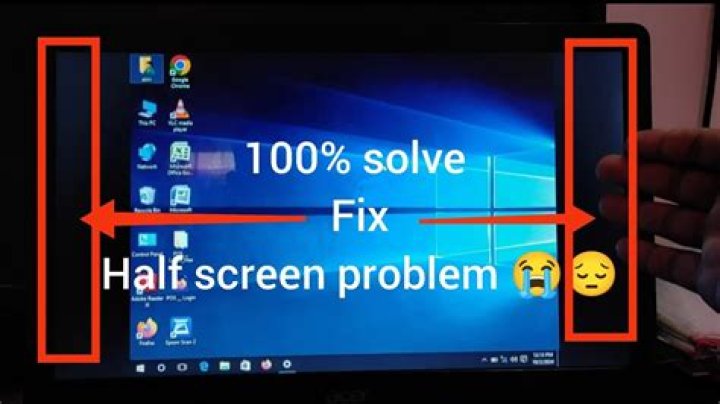
My laptop's screen is broken. I've been using an external monitor for a month without any problems (Windows 10 and Elementary OS). Today I decided to switch to Ubuntu 14.04 32-bit. When I boot using a USB key the monitor only displays half of the screen as you can see in the photo and the mouse cursor can slip to the left side.
1 Answer
Go to System Settings/Displays and check the mirror displays option, then click the APPLY button. You may need to change the resolution to get the desktop size you desire.


