How to find the default MAC address on Windows 7
I am connected to three network adapters:
- LAN cable
- Wi-Fi
- By modem
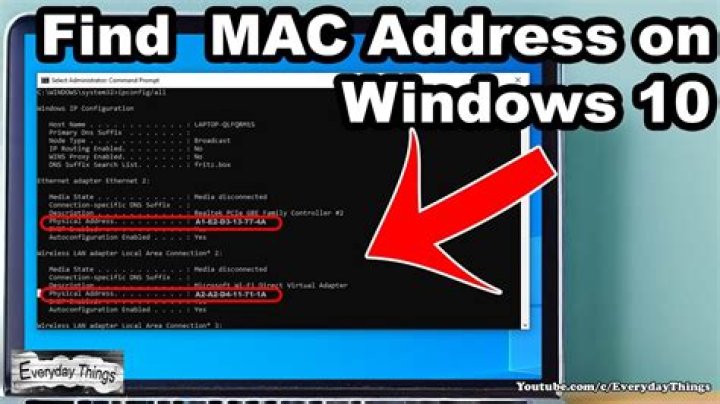
The command:
ipconfig /all indicates that each adapter has a MAC address and is assigned an IP address.
If I ping google.com from the command line:
ping google.comwhich network adapter handles network traffic by default? If I perform the ping test, how can I determine which network adapter is engaged and which MAC address is being used?
12 Answers
There's no "default" MAC address. Each MAC address is specific to the network interface card and will be the MAC address used by each network interface card on the respective network that each network interface card is connected to.
1To add to the other responses, the MAC address you will be using is the MAC address of the network connection sending out the data. For example if you're connecting to something using your WiFi, the MAC address you want will be the one listed for your wireless card in ipconfig. Even though the MAC address is tied to a physical NIC, you can "spoof" your MAC to trick other devices into thinking you have a different MAC address.


