How to fetch multiple logs from filebeat?
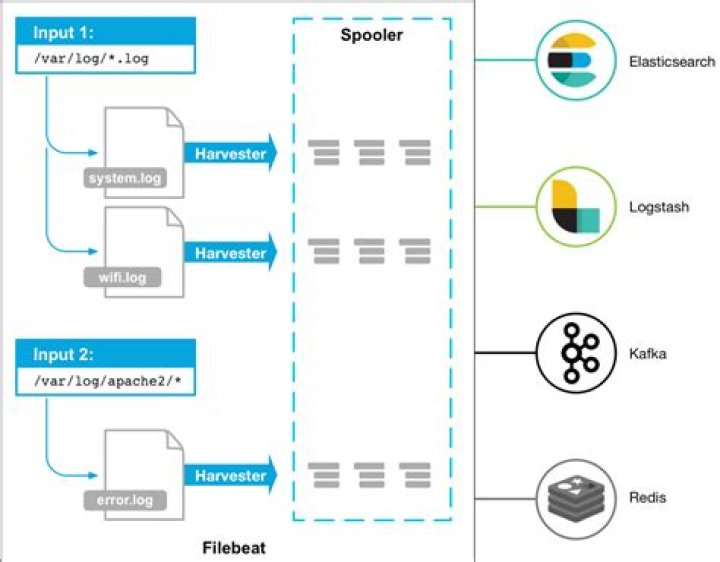
I have a server on which multiple services run such as nginx mongodb etc. I want to fetch following logs from it /var/log/nginx/access.log /var/log/tomcat/ /var/log/audit/audit.log etc etc.my filebeat configuration look like.
filebeat: prospectors: - paths: - /var/log/auth.log - /var/log/syslog document_type: syslog input_type: log prospectors: - paths: - /var/log/nginx/access.log document_type: nginx-access input_type: log
output: ### Logstash as output logstash: # The Logstash hosts hosts: ["logstashserver.pr:5044"] # default is 2048.
logstash conf is
filter { if [type] == "nginx-access" { grok { match => [ "message" , "%{COMBINEDAPACHELOG}+%{GREEDYDATA:extra_fields}"] overwrite => [ "message" ] add_field => [ "received_at", "%{@timestamp}" ] add_field => [ "received_from", "%{host}" ] } }
}
--------- filter { if [type] == "syslog" { grok { match => { "message" => "%{SYSLOGTIMESTAMP:syslog_timestamp} %{SYSLOGHOST:syslog_hostname} %{DATA:syslog_program}(?:\[%{POSINT:syslog_pid}\])?: %{GREEDYDATA:syslog_message}" } add_field => [ "received_at", "%{@timestamp}" ] add_field => [ "received_from", "%{host}" ] } syslog_pri { } date { match => [ "syslog_timestamp", "MMM d HH:mm:ss", "MMM dd HH:mm:ss" ] } } }
but only the last one nginx comes in elastic search. I do not know how to fetch and insert both logs in ElasticSearch Kibana
1 Answer
You are using different Syntax in the grok match line. Change it to { "message" => "..." } like in the second one.


