How to enable netplan on ubuntu server upgraded from 16.04 to 18.04
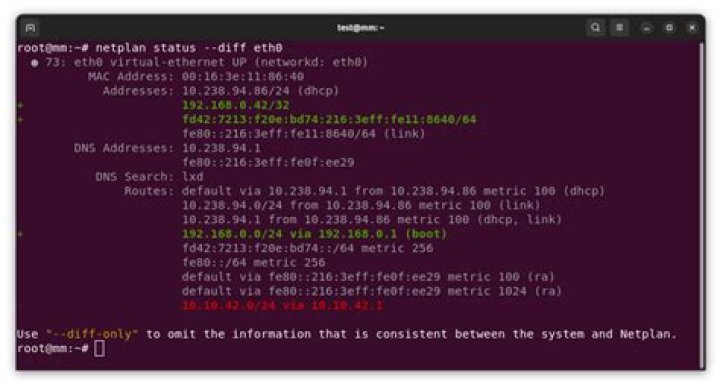
I recently upgraded my 16.04 server system to 18.04, and then tried to use netplan to set up networking. Unfortunately, now my network settings are broken and I don't know which files belong to which network configuration system.
The /etc/network/interfaces file still contains data, and there are a bunch of other files in /etc/network whose purpose I don't know.
What I want to do is start over with the following config:
network: version: 2 renderer: networkd ethernets: enp4s0: dhcp4: yes dhcp6: yes bridges: br0: interfaces: [enp4s0] dhcp4: true parameters: stp: false forward-delay: 0Can anyone tell me what files I actually need and what's just cruft that should be deleted? This system is only supposed to have one bridged network device and have openssh-server, lxc, and docker running. This is what's currently there:
# tree network
network
├── fan
├── if-down.d
│   ├── resolvconf
│   └── ubuntu-fan
├── if-post-down.d
│   ├── bridge -> /lib/bridge-utils/ifupdown.sh
│   ├── ifenslave
│   ├── ubuntu-fan
│   ├── vlan
│   └── wireless-tools
├── if-pre-up.d
│   ├── bridge -> /lib/bridge-utils/ifupdown.sh
│   ├── ethtool
│   ├── ifenslave
│   ├── vlan
│   └── wireless-tools
├── if-up.d
│   ├── 000resolvconf
│   ├── avahi-daemon
│   ├── ethtool
│   ├── ifenslave
│   ├── ip
│   ├── openssh-server
│   └── ubuntu-fan
├── interfaces
└── interfaces.d
5 directories, 21 files
# tree netplan
netplan
└── 01-netcfg.yaml
0 directories, 1 file
# tree NetworkManager/
NetworkManager/
└── conf.d └── 10-ubuntu-fan.conf
1 Answer
If you are upgrading to 18.04 and want to use netplan instead of ifupdown, then you should do the following:
- make sure you have a way to access your server if the network goes down
- make sure the package
netplan.iois installed (it should be on 18.04). - create a netplan yaml according to your config. There are many examples to choose from.
sudo netplan applysudo apt purge ifupdown- Reboot
- You should now be "migrated", and
networkctl,ip addr, etc, should show your interfaces.
Note, there will still be cruft in /etc/network/. You can remove/archive:
/etc/network/interfaces/etc/network/interfaces.d/
The rest are "hook" directories, that other packages put files in that try to react to the network state of the system. These files should be left alone.
If you have any files that you have put in there, these same facilities are better done by integrating into systemd unit files, or by using networkd-dispatcher. See more on the netplan FAQ.
6

