How to enable dual monitor with an ATI Radeon X300 card?
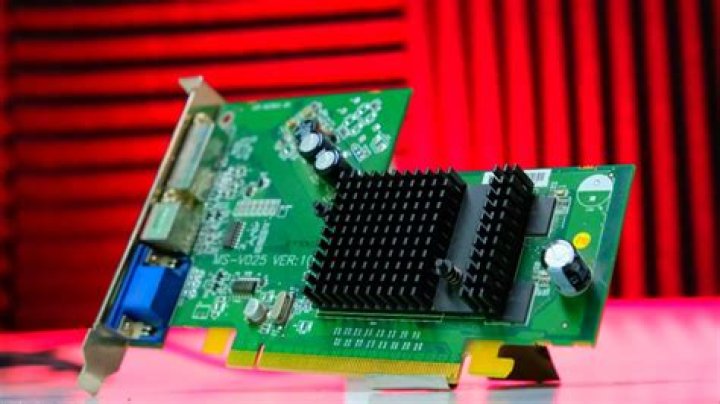
I am trying to enable dual monitor for my Ubuntu 11.04 and ATI Radeon X300 video card. Here is the information about my monitors:
$ sudo lshw -C display
*-display:0 description: VGA compatible controller product: RV370 5B60 [Radeon X300 (PCIE)] vendor: ATI Technologies Inc physical id: 0 bus info: pci@0000:01:00.0 version: 00 width: 64 bits clock: 33MHz capabilities: pm pciexpress msi vga_controller bus_master cap_list rom configuration: driver=radeon latency=0 resources: irq:47 memory:ec000000-edffffff memory:efde0000-efdeffff ioport:dc00(size=256) memory:efe00000-efe1ffff
*-display:1 UNCLAIMED description: Display controller product: RV370 [Radeon X300SE] vendor: ATI Technologies Inc physical id: 0.1 bus info: pci@0000:01:00.1 version: 00 width: 64 bits clock: 33MHz capabilities: pm pciexpress bus_master cap_list configuration: latency=0 resources: memory:efdf0000-efdfffff
And the video card
$ lspci -nn | grep VGA
01:00.0 VGA compatible controller [0300]: ATI Technologies Inc RV370 5B60 [Radeon X300 (PCIE)] [1002:5b60]
I tried to find documentation online but had no luck.
1 Answer
Set a larger maximum size for the virtual screen.
Create a file /etc/X11/xorg.conf if it doesn't already exist and add content
Section "Screen"
Identifier "Default Screen"
Device "Default Video Device"
SubSection "Display"
Virtual 2720 1024
EndSubSection
EndSection
In Virtual X Y, X and Y should be the screen size or larger than that appears in the error message.


