How to Debug Public Key SSH Authentication Failure
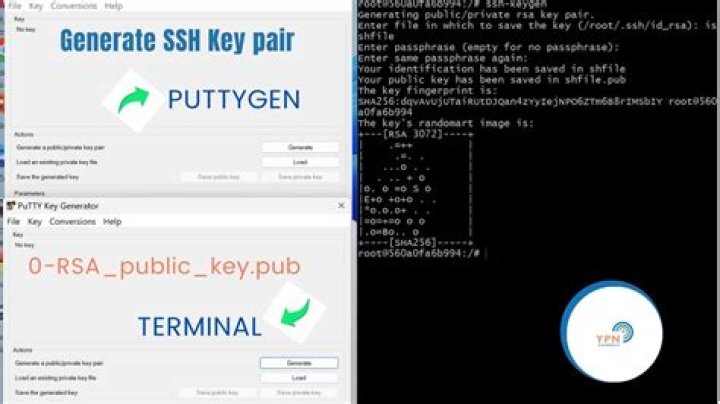
I'm trying to setup password-less SSH login, and I can't seem to make it work. Here is what I have done so far:
- Used
ssh-keygen -t rsato generate a pair of keys - Created
~/.ssh/authorized_keyson the server and dumped the public key in that file chmod 700 ~chmod 700 ~/.sshchmod 600 ~/.ssh/authorized_keys
When I attempt to login with the private key I get the following output from ssh -vvv:
debug1: Next authentication method: publickey
debug1: Trying private key: /path/to/private-key
debug1: read PEM private key done: type RSA
debug3: sign_and_send_pubkey: RSA [KEY_FINGERPRINT_HERE]
debug2: we sent a publickey packet, wait for reply
debug1: Authentications that can continue: password,publickey
debug2: we did not send a packet, disable method
debug3: authmethod_lookup password
I'm pretty sure the server is running FreeBSD, but it's not mine, and I don't have root access. Any idea on what's going wrong here or what I can try to get this working?
43 Answers
Well, the "solution" to this wound up being related to the host. The server is run by a company called HybridCluster. I'm still not exactly sure why, but in order to use public key authentication with their servers, the public key has to be added via their control panel interface and not manually to the ~/.ssh/authorized_keys file.
I think it has something to do with them dynamically switching hardware, so the host fingerprint changes which causes the key to be rejected, but I really can't say for sure.
Anyway, thanks to all who helped, and hopefully this will help some poor HybridCluster user in the future.
Why did you chmod your HOME folder on the server? There is no need to do that, and I think it might hamper your connection attempts. Please restore it to 755, and try again.
2I'm fairly sure that putting the public key in the authorized_keys file is the issue. Your assumption is that your hosting company has configured that as the AuthorizedKeyFile. If you had root access you would check your ssh server settings - often a sshd_config file (/etc/ssh/sshd_config on debian).
The default setting you have assumed is:
AuthorizedKeysFile %h/.ssh/authorized_keysHowever they may have something else. You can explore your home directoty and show hidden files to explore further.
All the best!


