How to deactivate a MS Office product key from the Office account?
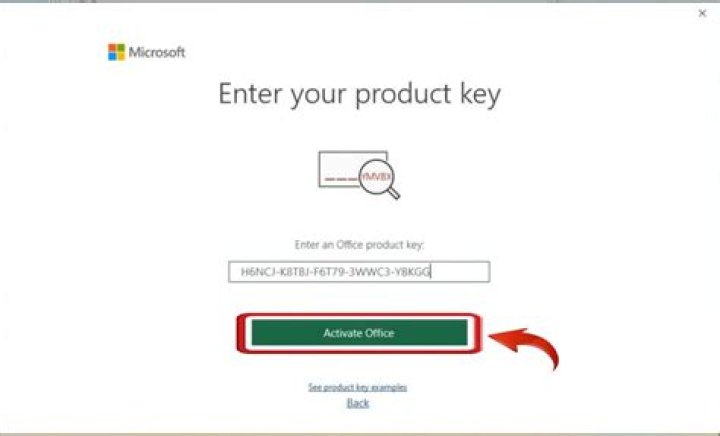
I want to transfer the product key to a new computer.
In my Office account, I have two keys. I have uninstalled the Office on the old PC like a lot of tutorials say. But installing from my account do not work and I still get messages like "Your copy cannot be activated... because it was already used...".
There was an advice on youtube to deactivate the key from the account. But there is no deactivate button on my account.
Can I somehow deactivate it from my account? Or are there other solutions to my problem?
11 Answer
If you are using one-time purchased retailed Office version, you can install Office on the new computer, then activate it by using Telephone on your new computer and uninstall the Office product from old computer.
Here is an helpful article for moving Office:Activate after reinstalling or moving Office
2

