How to create `vscode` or `code` command line by launch visual studio code from terminal?
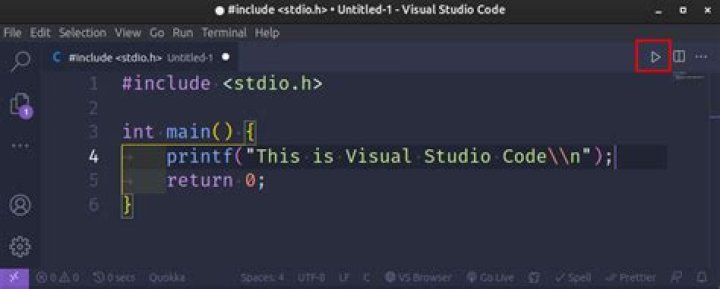
In Ubuntu 20.04, after download from various ways (snap or ubuntu software) the visual studio code text editor, I had not been able to find a way to install the shortcut command line vscode or code.
I used alias by open the current path:
alias c.='(code $PWD &>/dev/null &)'But since this won't work without the line command code.
I tried the suggestions found here, to open Visual Studio Code and press Ctrl+Shift+P then type >install shell command but I got command not found.
1 Answer
Solution reached:
- Find
vscode_pathwhere is visual studio code installed.
Suppose that is/snap/code/current/usr/share/code/bin/code - Create a symlink from
<vscode_path>bin command to/usr/bin
rm -f /usr/bin/code
ln -s /snap/code/current/usr/share/code/bin/code /usr/local/bin/code
The latter would create a code line command to launch from the terminal


