How to convert audible AAX file to M4B format, while preserving all information (including artwork)
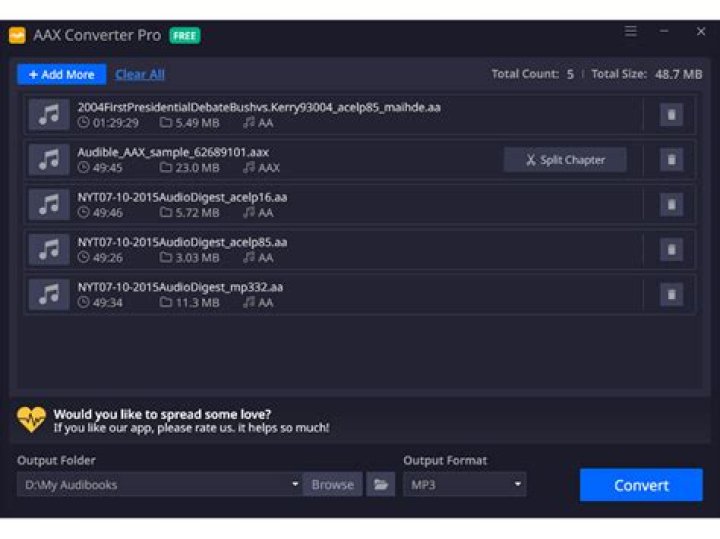
I tried to find a solution that will allow me to batch-process a whole bunch of AAX files (which I bought over the years) into M4B.
I tried using the audible-activator in order to extract the secret, then use FFMPEG with -activation_bytes [secret], as follows:
ffmpeg -activation_bytes xxxxxxxx -i BOOK.AAX -c:a copy book.mp4 The problem is: how to create a batch file that not only converts to MP4, but also copies all artwork?
Any ideas?
2 Answers
I know this is old but I wanted to give an update to this. In FFmpeg 4.1 they added native support for copying album art and you no longer need a third party program. To convert your audiobooks, just use this simplified command:
ffmpeg -activation_bytes XXXXXXXX -i MyNiceBook.aax -c copy MyNiceBook.m4bSpecifically you should drop the -vn flag and remove the :a from -c:a copy
This took me a while to find as they still include the -vn flag in their official docs.
Source:
1The solution is simple, and requires the following programs (Windows solution):
With these programs (either located where the AAX files are or available via PATH), create the following Windows batch file:
FOR /r %%a IN (*.aax) DO (^
del cover.jpg /Q & del "%%~na.mp4" /Q & del "%%~na.m4b" /Q & ^
ffmpeg -activation_bytes XXXXXXXX -i "%%a" -vcodec copy cover.jpg & ^
ffmpeg -activation_bytes XXXXXXXX -i "%%a" -vn -c:a copy -map_metadata 0:g "%%~na.mp4" & ^
ren "%%~na.mp4" "%%~na.m4b" & ^
IF exist cover.jpg (AtomicParsley.exe "%%~na.m4b" --artwork cover.jpg --overWrite) & ^
del cover.jpg /Q )
Or in one line:
FOR /r %%a IN (*.aax) DO (del cover.jpg /Q & del "%%~na.mp4" /Q & del "%%~na.m4b" /Q & ffmpeg -activation_bytes XXXXXXXX -i "%%a" -vcodec copy cover.jpg & ffmpeg -activation_bytes XXXXXXXX -i "%%a" -vn -c:a copy -map_metadata 0:g "%%~na.mp4" & ren "%%~na.mp4" "%%~na.m4b" & IF exist cover.jpg (AtomicParsley.exe "%%~na.m4b" --artwork cover.jpg --overWrite) & del cover.jpg /Q )where XXXXXXXX is the secret extracted using audible-activator, which is the same for all files owned (bought) by the same user.
What this batch file is doing:
- delete possible files from previous conversion attempts
- extract the audible album art (if available) into a file called "cover.jpg", using FFmpeg
- extract the AAC audio from the AAX file, and all metadata and save them into MP4 file, using FFmpeg
- rename MP4 file to M4B
- (if available) add album art to MP4 file using AtomicParsley
- delete the cover.jpg file


