How to control gif loop settings in FFmpeg
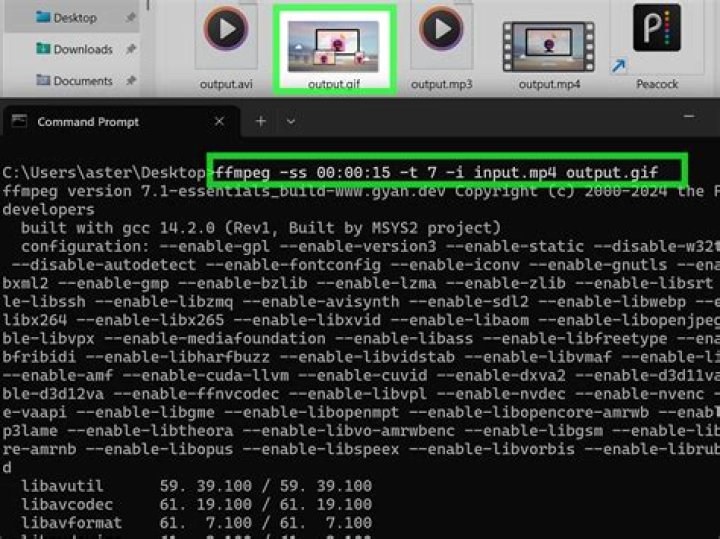
I'm able to export a sequence of images as a gif with FFmpeg:
ffmpeg -vsync 2 -safe 0 -f concat -i "file:concat.txt"
-lavfi palettegen=stats_mode=diff[pal],[0:v][pal]paletteuse=new=1:diff_mode=rectangle
-y "Test.gif"
Now, I'm wondering if I can control somehow the loop settings (repeat forever, repeat n times, etc).
I could not find any "loop" on FFmpeg.org documentation.
1 Answer
Use the -loop option for the GIF muxer
ffmpeg -i input -loop 2 output.gif-1no loop (plays once)0infinite loop (default)1loop once (plays 2 times)2loop twice (plays 3 times)- etc
See ffmpeg -h muxer=gif.


