How to completely uninstall youtube-dl from windows?
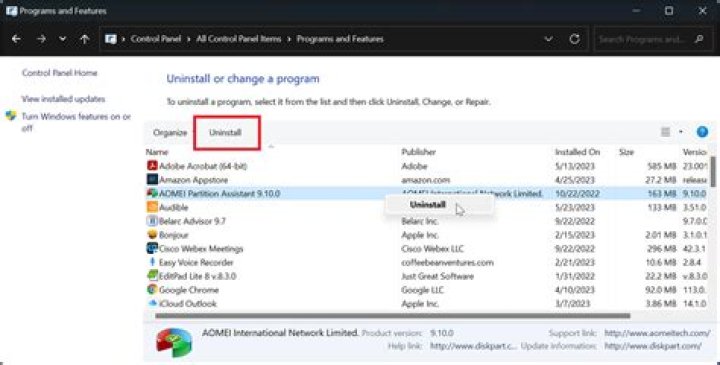
I am not comfortable using this and would like to uninstall it completely from my system.
EDIT:
I had downloaded an extension file through their website which had the python support inbuilt in it and I cannot find it in the add/remove feature.
22 Answers
If you can use youtube-dl in command prompt, it means that youtube-dl.exe is in your PATH, making it easy to locate.
To find where it is, just open a command prompt window and type:
where youtube-dlIt will output the file path where youtube-dl.exe is hiding. For me, this was the output:
C:\Users\pigeonburger\Desktop\Dev\youtube-dl.exeNow to remove the file, run this:
del C:\Users\pigeonburger\Desktop\Dev\youtube-dl.exe(replacing the C:\Users\pigeonburger\Desktop\Dev\youtube-dl.exe with your own file path, of course)
youtube-dl is now uninstalled!
Check the log file of the program to see where it copied files and where it modified the registry. The uninstall information is usually stored into a file called unins000.dat, that can be found in the installation folder.
Uninstall by standard means (Add/Remove or Programs & Features)
Delete the installation destination
Remove the remaining registry entries and/or remaining files copied in other locations.


