how to completely remove mysql community workbench from my system
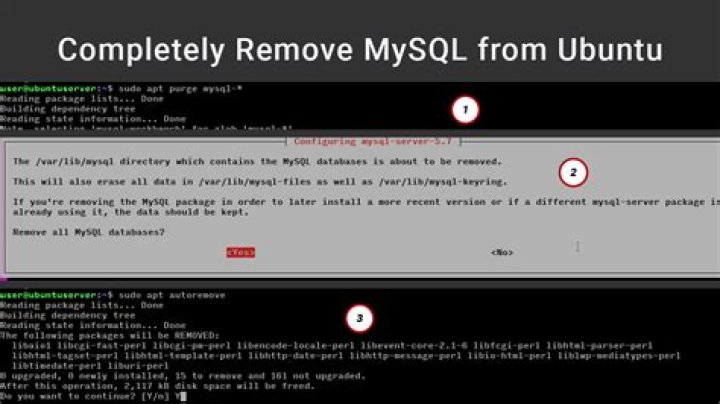
I installed an old version of mysql workbench which was not compactible two years ago.Recently, I decided to install mysql server 8.0.24 using apt but I could not connect to mysql workbench community via the GUI. I now installed another mysql workbench community but I still could not connect. Then I uninstalled the mysql workbench community. Now I want to uninstall it completely both the programs so that I can start afresh.
1 Answer
Based on the documentation, you can uninstall MySQL Workstation like this:
- Open Terminal (if it’s not already open)
- Uninstall the package:
sudo apt-get remove mysql-workbench-community - Check if there is a
/mysqlor/workbenchdirectory in your home directory, and delete it if the files are no longer needed.
If you had installed the snap version of MySQL Workbench, then you can do this:
- Open Terminal (if it’s not already open)
- Remove the snap:
sudo snap remove mysql-workbench-community
That should be it 👍🏻


