How to change shortcut for switching chrome tabs
I currently have my shortcut for changing tabs in chrome as Cmd ⌘ Opt ⌥ → / ← which is the default. This would either require both hands, or require one hand to be in a very awkward position, so I want to change the shortcut to a more convenient one.
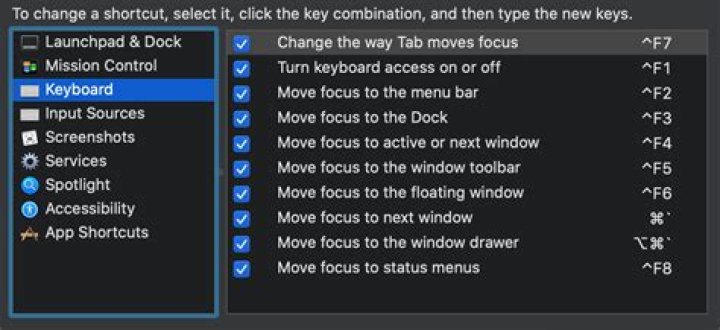
I've looked through system preference -> keyboard -> shortcuts, and can't find the default shortcut for me to change.
Where / how can I change the shortcut for changing tabs in chrome?
I am on a Mac, and this is a screenshot of my system preferences where I've looked to try to change the shortcut.
1 Answer
You change it in App Shortcuts, at the bottom of that window.
However, before you do, check the appropriate menu item for next/prev tab - Chrome usually defaults to Ctrl ⌃ Tab ⇥ & Ctrl ⌃ Shift ⇧ Tab ⇥
The Cmd ⌘ Opt ⌥ → / ← is an unpublished alternative.
If you do want to change it, then select App Shortcuts. If there's no entry there for Chrome already, press the + at the bottom, select chrome in the list, type the exact name of the command you wish to change, then add the command. [If it exists in the list, then just select it before pressing +
It will immediately reflect your changes. Revert to defaults by deleting the entry.


