How to activate accessible "Unsubscribe" link at top of emails in Outlook (desktop)?
Google now automatically scans emails for an unsubscribe link and places an "Unsubscribe" button at the top of the email, near the sender, for easy access. This Verge article claims that the same is possible in Outlook for desktop, but doesn't describe any way to activate the feature. I've never seen this in Outlook, and I'm running the most up-to-date version of Microsoft 365 for Enterprise, so I would expect it to be there. Anyone know how to activate this feature?
2 Answers
You need to activate the "Unsubscribe" Microsoft add-in. In Outlook, click the "Get Add-Ins" button on the "Home" ribbon tab and find the "Unsubscribe" add-in. You company admin might need to allow this add-in to be installed.
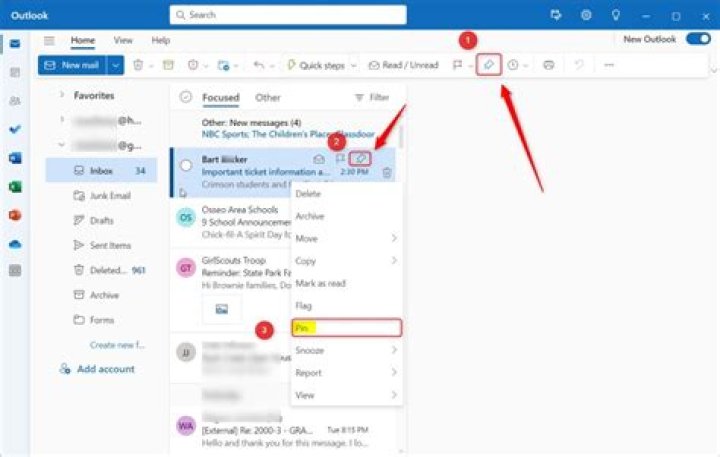
1As I know, in Outlook desktop client, we do not have options like "Unsubscribe" at the top of the email, near the sender. And you could get this similar feature via simply right-click this email in the message list and choose options like below as you want.


