How do I update Nvidia display driver on ubuntu 18.04, if I already installed cuda toolkit 10.2 and its bundled display driver?
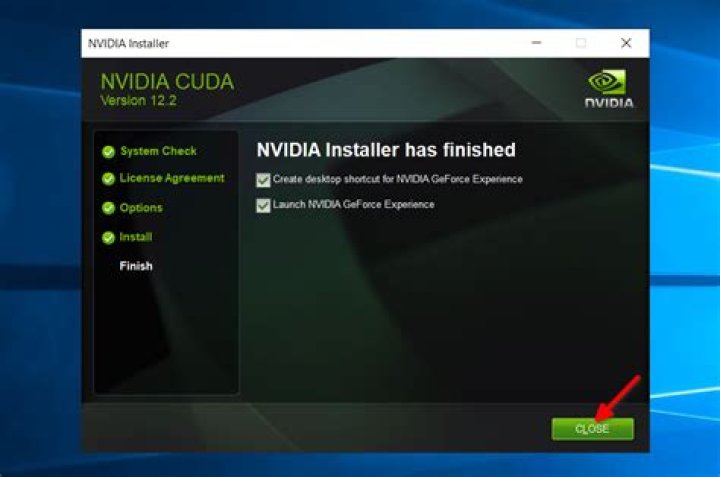
I installed CUDA toolkit 10.2 on ubuntu 18.04 LTS. I previously did not have any nvidia display drivers, so it came bundled with the 418 version display driver. This seemed to work fine.
I noticed on the NVIDIA site that the latest driver was 430. I want to update my display driver from 418 to 430. How can I do this?
Downloading the driver directly, and then running the installer, doesn't work; it gives a complaint that Nvidia is already running with Xorg.
1 Answer
The update from 418 to 430 can be done smoothly with an option that is somewhat hidden. Open the main menu with the Super key, and search for "software and updates". The app should have several tabs, including "additional drivers". Go to that page, and you should see the following.
Select the newest driver (in this case 430), apply, and restart.
UPDATE
I just realized if you do it this way, e.g. install CUDA 10.2 first, which comes with the older 418 driver, then install a newer 430 video driver, the next autoremove will remove both CUDA and the older driver. If you try installing CUDA again using the .deb file, it will attempt to replace the 430 with 418 drivers! That is bad.
According to this thread on the nvidia forum, we can avoid the CUDA installer downgrading our display driver by using the local .run file, with the --toolkit option, and not the deb file installer. Also, after installing this way, there will be some missing libraries, which are described in section 7.3.1 here. In short:
sudo apt-get install g++ freeglut3-dev build-essential libx11-dev \
libxmu-dev libxi-dev libglu1-mesa libglu1-mesa-dev

