How do I set all Outlook reminders from other people to 0 minutes?
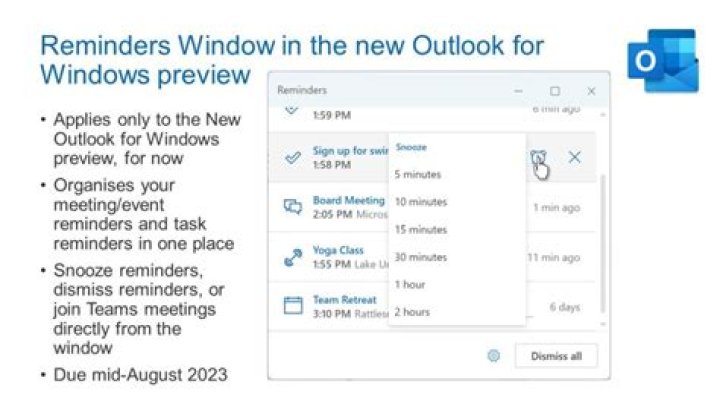
If someone sends me a calendar invite, the person who sent the invite sets when the reminder appears. I would like to always see every reminder at 0 minutes. How do I permanently change all reminders set by other people?
1 Answer
As far as I know, we can receive reminders in 0 min by setting the default reminder of the calendar(via File>Options>Calendar>under Calendar options>select Default reminders, and choose 0 minutes). This applies to all the existing appointments and meetings in the calendar. Save this setting for future appointments and meetings. But this will not affect the original reminder of the meeting you received. I'm afraid we need to change it manually.


