How do I plot a course with specific star classes in Elite Dangerous?
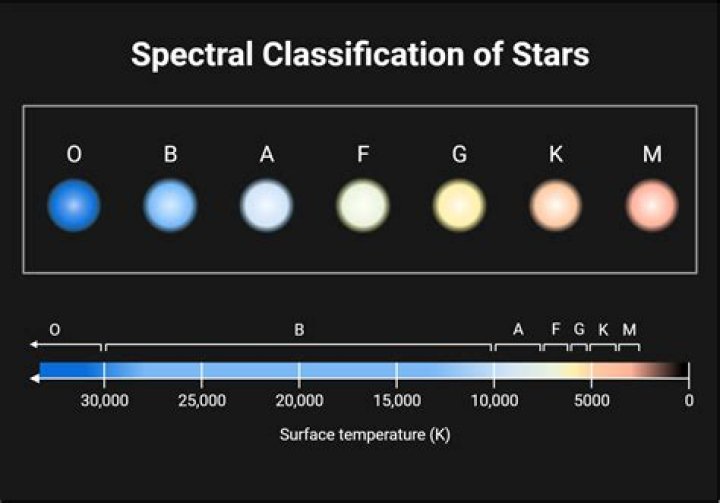
Sometimes when I plot a course, I always get fuel-scoopable stars, and at other times, I go for long periods without coming across a scoopable star.
Question: Is it possible to plot a course that only has specific star classes? For example, I'd like to plot a course that only visits scoopable stars, and avoids unscoopable stars, even if it isn't as efficient distance-wise.
1 Answer
With some trial and error, I discovered that this is actually possible.
- Open the Galaxy Map
- Go to the tab with the miniature groupstars on it (directly to the right of Bookmarks)
- Click on the Map style
- Under Filters, choose Show By Colour --> Star Class
- Uncheck every star class except: OBAFGKM
- Plot your route to a remote star system
You should only be guided to scoopable star classes.
NOTE: While the Apply Filter to Route option seems like it would be necessary, this actually has a different meaning entirely.
3

