How do I patrol in Starcraft 2 using QWERT key-layout?
I played some years ago and used to use a patrol- and hold-position command with my units, but I cannot find it anymore in the game.
Did they abandon that function? and if, why and is there an alternative?
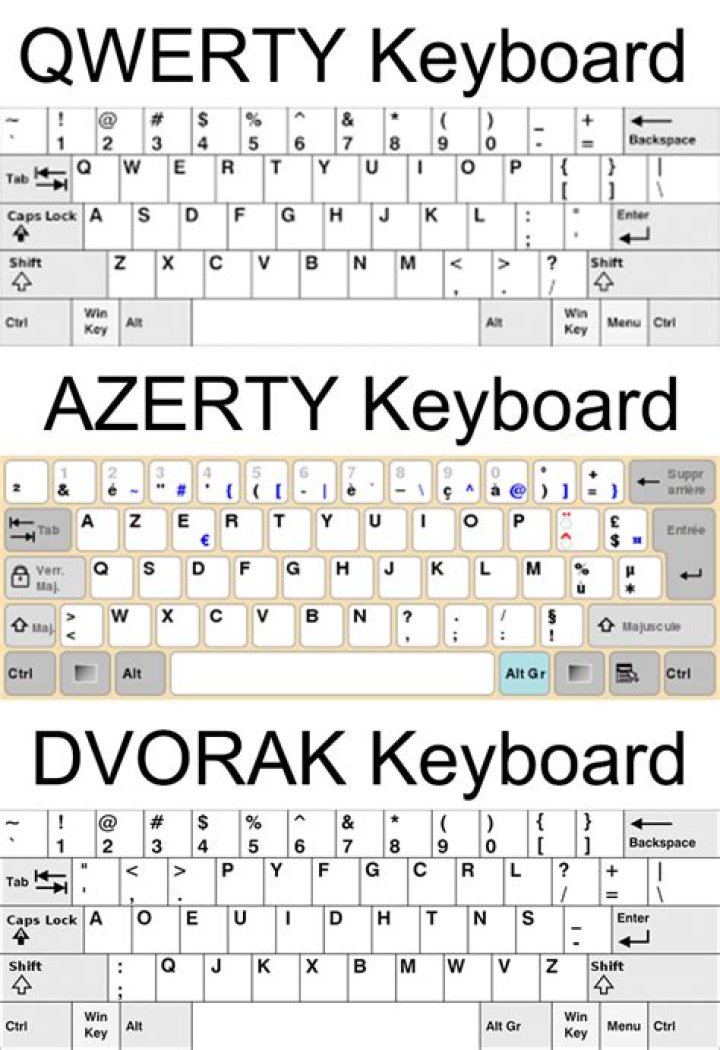
Is there an icon to click on? I use the QWERT keys, so I don't have "P" as it says in all tutorials
32 Answers
You have to disable the option "ENABLE Simple Command Card" in Game Options.
Then you will see that Hold is "E" and Patrol is "R" if you have the QWERT-Keyboardlayout.
An unconvenient alternative to patrolling would be setting a lot of waypoints with Shift-"T"-leftclick
Check your controls, but by default patrol should respond to pressing 'P'
Also, they haven't abandoned it for sure. In fact, patrolling is one of the easier (and more efficient) ways to split marines.
Some more info here:
1

